AI solving a real problem in my life — a family chat translator
My Polish parents and Egyptian in-laws share a WhatsApp group. I got tired of being the human relay, so I built a bot to translate for them.
Three projects into my AI experiments, I noticed something I hadn’t expected. The apps I built by talking to AI were better than the ones I built by typing.
Not marginally better. Noticeably. When I dictated what I wanted, I described things in more detail. I covered edge cases I’d skip when typing because typing is slow and my brain edits for brevity before my fingers even move. Speaking removes that filter. You ramble, you circle back, you add “oh and also” three times, and somehow the AI ends up with a richer picture of what you actually need.
I’m still experimenting with this, but after LiveTranslator, the WhatsApp bot, and DictAll, talking to AI instead of typing became my default. The problem was that I needed a good way to do it.
I started looking at what’s out there. Whisper, SuperWhisper, Wispr Flow, Otter.ai. They all do roughly the same thing: listen to you, turn speech into text, maybe do some formatting.
The pricing didn’t make sense to me. Wispr Flow wants $12-15 a month. Otter.ai charges $8-30 depending on the plan, with minute caps. SuperWhisper has lifetime options but they’re steep for what you get. We’re talking $100-200+ per year for what is a wrapper around the same speech-to-text APIs that cost fractions of a cent per minute.
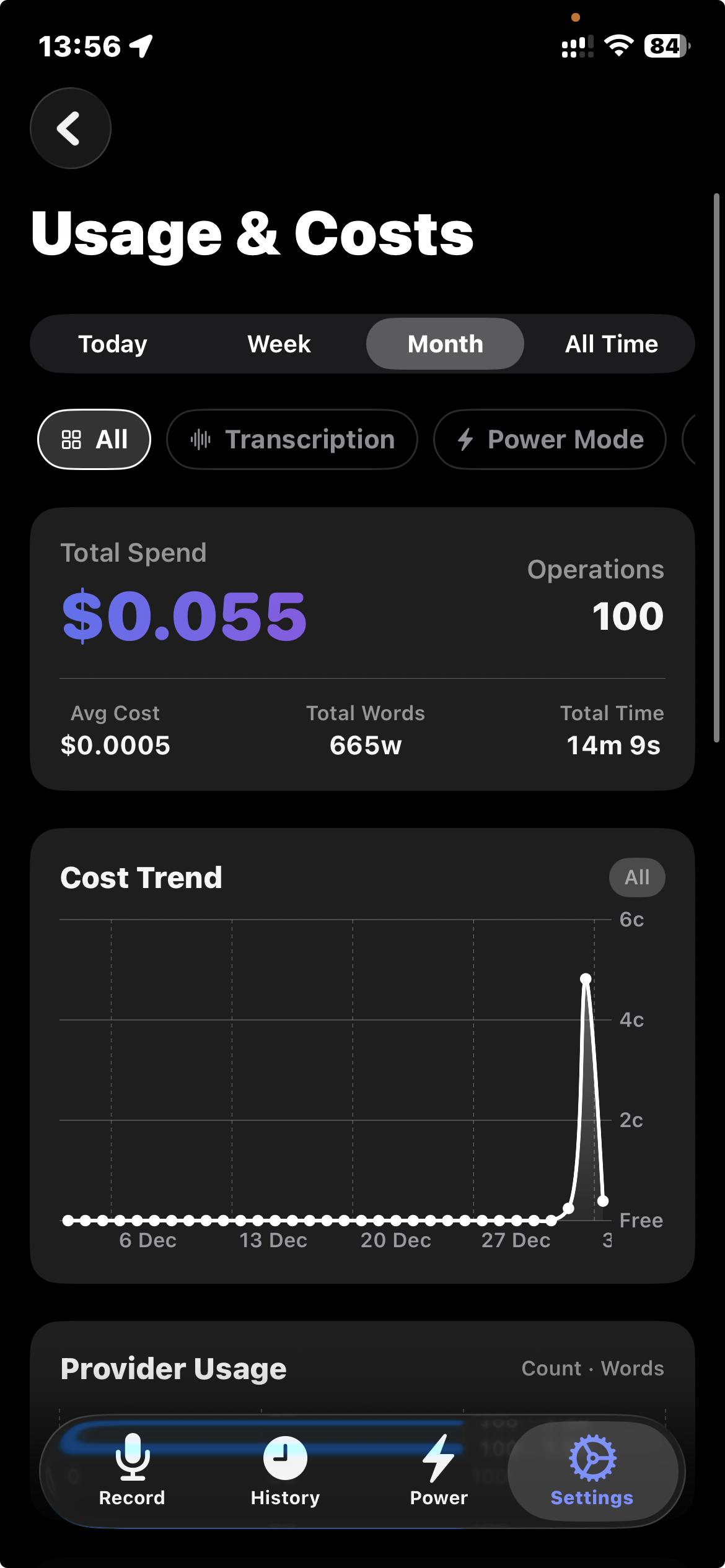
I did the math. A moderate user doing maybe 150 transcriptions a day, 30 seconds each, would pay about $0.45/month in actual API costs. The rest is margin. A lot of margin.
It started as a weekend project and grew from there. The idea: bring your own API keys, pick the providers you trust, pay only for what you use. No subscriptions eating money while you sleep. No minute caps.
SwiftSpeak runs on iOS and macOS (menu bar app). You tap a button or hit a hotkey, speak, and the transcribed text lands wherever your cursor is. On iOS it’s a keyboard extension, on macOS it injects text at the system level, so it works in any app. It also records meetings with automatic transcription and summaries.
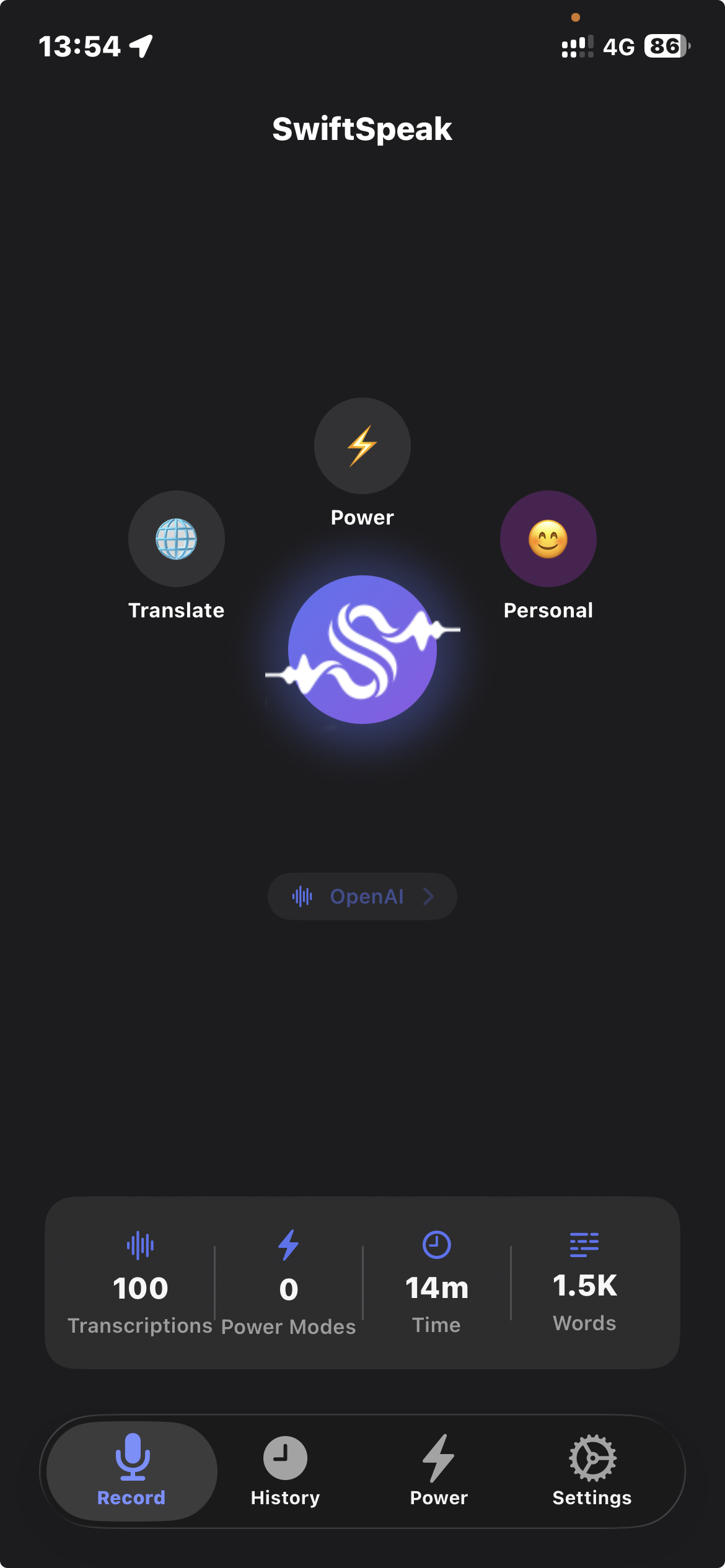
The basics were easy to get working. Record audio, send to a speech-to-text provider, get text back, paste it. What took longer was everything around it.
It supports ten transcription and LLM providers. Not just OpenAI Whisper but also Deepgram, AssemblyAI, ElevenLabs, Google Cloud, and WhisperKit for fully local transcription. Different providers handle different languages and accents better, so you pick what works for you.
Translation is built in. Speak in one language, get text in another. DeepL, Azure Translator, Apple Translation (local, free on iOS 18+), or any of the LLM providers. I use this less than I expected, but when I need it, it’s there.
Raw transcription is messy, so there are formatting modes: email, formal writing, casual tone, or whatever you define in a custom template. The templates are just prompts, so you can make them do anything.
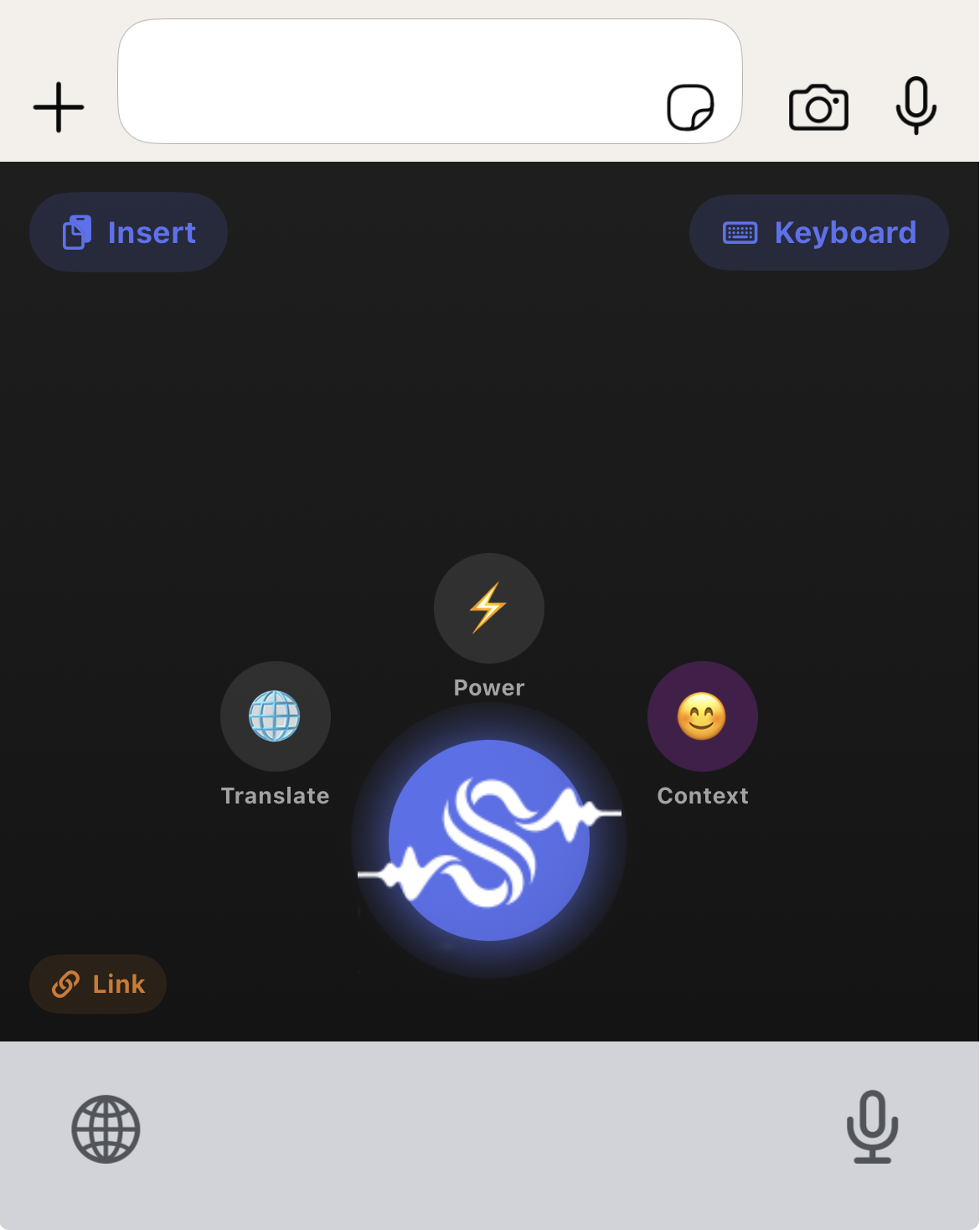
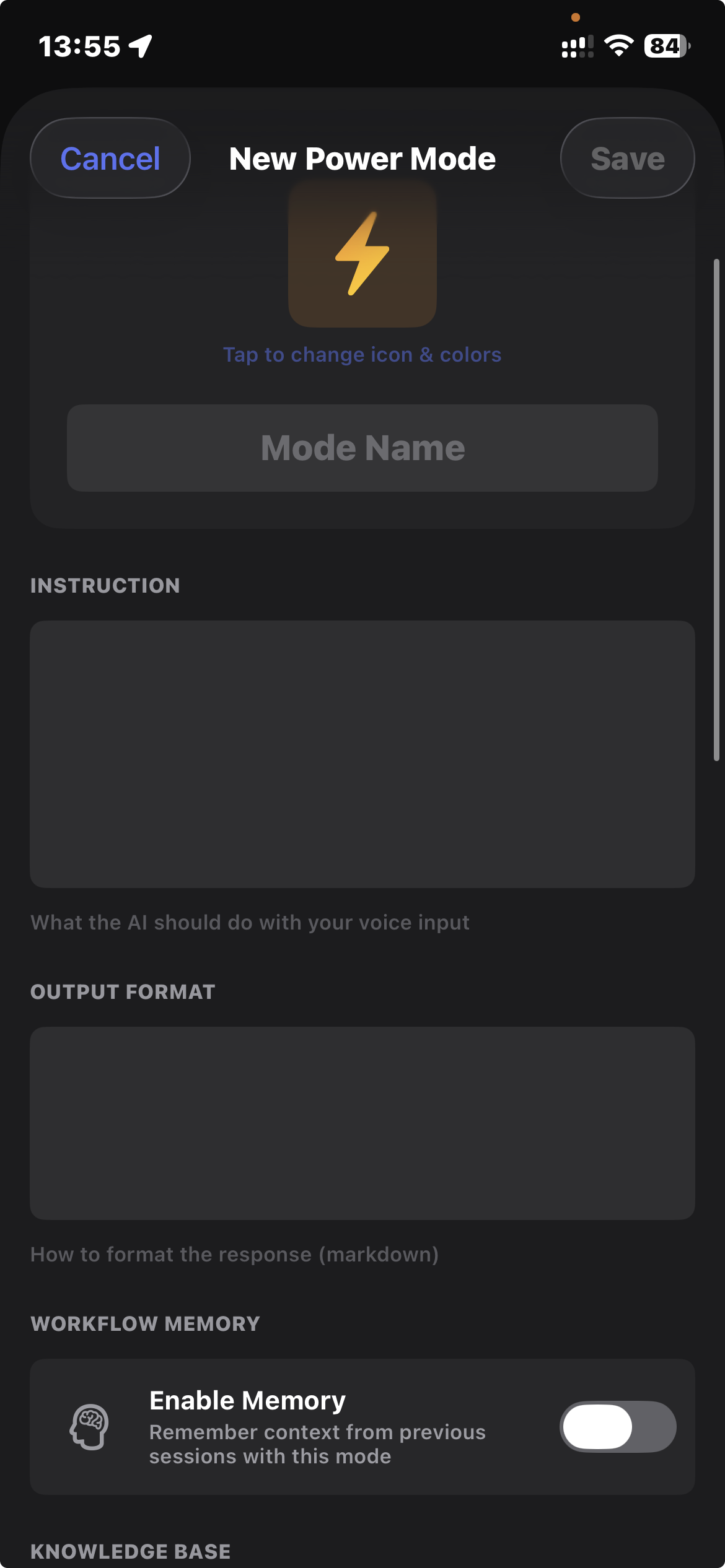
Then there’s Power Modes, which I didn’t plan at the start. Voice-activated AI agents that can search the web, run code, or process documents. Once you’re already talking to your computer, just transcribing feels limiting. Dictate a task, get a researched answer back.
Meeting recording turned out to be the feature I use most after basic dictation. Hit record during a call, get a transcript and summary when it’s done. I used to take notes during calls and lose half the conversation. Now I hit record, stay present, and deal with the transcript after. The summary catches action items I’d miss.
There’s also a memory system with three tiers: global (things the AI should always know about you), context-specific (different settings for Work vs Personal), and per-session. Over time it learns how you write.
Actual API costs for a typical user:
That’s it. You bring your API keys, you see exactly what each request costs, you pay the provider directly.
If you want fully local processing, WhisperKit and Apple Intelligence handle transcription and formatting without any API calls at all. Zero cost, nothing leaving your device.
When I started building SwiftSpeak, I planned to sell it. $6.99/month for Pro, $12.99 for Power Mode. Lifetime options at $99 and $199. Even at those prices it would’ve been way cheaper than the competition.
But somewhere during development I had a thought that wouldn’t go away. I built this in a few weeks. One person, working evenings and weekends, with AI coding agents doing most of the work. And it does what apps with $100/year subscriptions do. In some ways it does more.
If I can do that, so can someone else. And someone after them. The economics of selling software that a motivated person can replicate in two weeks are not great. I don’t think the subscription model for this category of app will last.
So I decided the more interesting move is to share it. Put the project out there, let people use it, maybe someone picks it up and builds on it. The value I got from SwiftSpeak wasn’t the potential revenue. It was discovering that talking to AI instead of typing gives different results, and rebuilding my workflow around that.
I dictate almost everything now. Messages, code descriptions, documentation, these blog posts. I still type for short things, quick searches, one-line messages. But anything longer than a sentence or two, I speak.
Mobile didn’t change as much. I use SwiftSpeak on my phone occasionally, mostly for meeting recordings when I’m away from my desk. The real shift was on the laptop, where the macOS menu bar app sits ready with a hotkey.
When you type a prompt, you compress. You edit before you write. You leave out context because typing it feels like too much work. When you speak, you don’t do that. You explain the way you’d explain to a colleague sitting next to you. You add background, you qualify, you give examples. The AI responds better because it has more to work with.
I don’t know yet if this holds across every type of task. Three projects in, it’s held so far. If you’ve been doing everything through keyboard prompts, it’s worth trying the other way.
SwiftSpeak is on the app page. The project is open for anyone who wants to use it or build on it.
Continue reading
My Polish parents and Egyptian in-laws share a WhatsApp group. I got tired of being the human relay, so I built a bot to translate for them.
I shipped real-time video translation and a WhatsApp bot to solve actual family problems without a development team. Here's the step-by-step breakdown.
Twenty years across QA, product, and engineering leadership took me from Warsaw to Cairo. Here's why I started writing about it.