AI solving a real problem in my life — a family chat translator
My Polish parents and Egyptian in-laws share a WhatsApp group. I got tired of being the human relay, so I built a bot to translate for them.
If you’ve read my earlier posts, you know the backstory: my Polish parents visited me in Egypt, nobody shared a common language with my Egyptian wife, and I spent two weeks as a human relay for every conversation. It was exhausting. So I built two things to fix it: a WhatsApp translation bot and a live speech translator.
What I haven’t talked about yet is how I built them so fast, and why I think the approach matters beyond my family’s language problems.
Both systems went from idea to production in under two weeks of evening work. I was working full time, learning two instruments, and seeing friends. The WhatsApp bot took a weekend. The live translator took seven evenings. Both are fully tested, have failover logic, and run in production today.
Quality numbers across both systems:
Compare that to traditional development: months of work, rigid scripts, breaks when anything changes.
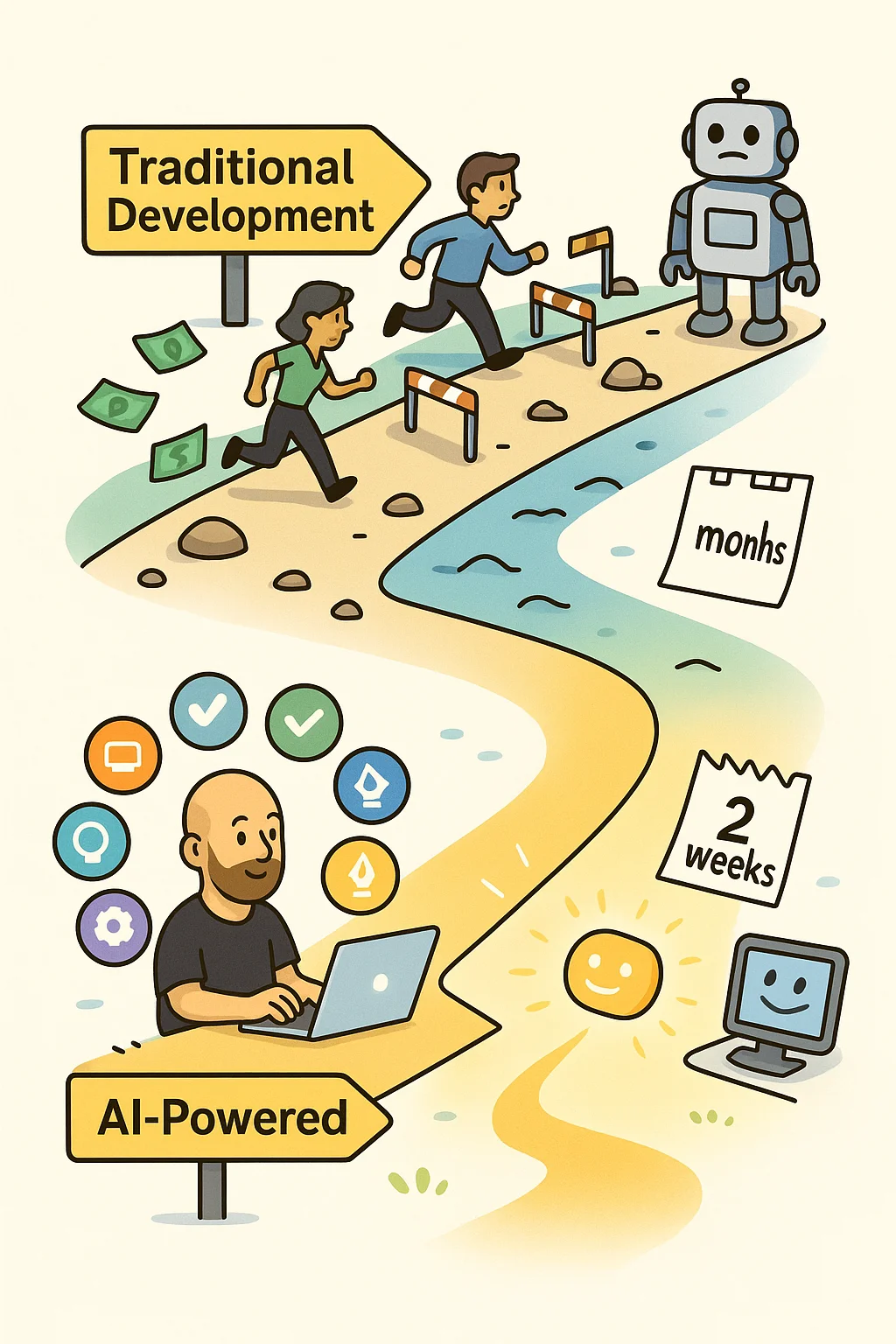
This approach works best for greenfield projects: small applications, automations, internal tools, things you build from scratch to solve a specific problem. For those, a single engineer working with AI can produce results that would have taken a small team weeks or months. The output is real, the time savings are real, and the quality holds up.
But this is not a magic wand. For large existing systems, legacy codebases with years of technical debt, or technologies that aren’t widely used, AI is not mature enough to replace developers. It speeds things up and opens new approaches, but it does not substitute the team. You still need engineers who can assess the code, review what AI produces, and make judgment calls. AI makes their work faster, not unnecessary.
So no, the takeaway here is not “fire your development team.” For enterprise-scale systems, AI enhances what developers do. It might improve output and let teams tackle problems differently, but the humans are still essential.
Where the game actually changes is for small and medium businesses. If you need a custom application, an internal automation, a bot, a dashboard, something scoped and specific, that’s where this approach completely flips the economics. That’s what this post is about.
If you work in marketing, operations, customer service, or sales, custom applications and workflows are now available for a fraction of what they cost six months ago. I’m confident that most business repeatable problems can be solved cheap and fast with this approach.
And quality? I’m a software engineer and I probably wouldn’t write these applications better by hand.
Think about the people in your organization who:
These aren’t complex technical problems that need a full development team. They’re scoped workflow problems, and AI agents are very good at those.
The old way for this kind of work: hire developers, wait months, spend thousands, get something rigid that breaks when requirements change.
The new way: describe what you need, get one technically savvy person who knows how to work with AI, and you’ll have it for a fraction of the cost. I think we’re seeing the birth of a new role in organizations, something like an AI automation expert. This person will build you a custom application, a webpage, automate your marketing processes, or connect systems that previously seemed impossible to integrate. For scoped, greenfield problems, this role can replace what used to be a small team. For bigger systems, this person works alongside your existing developers to speed things up.
Imagine a system with five specialized AI instances, each prompted to do one thing well.
One acts as a Project Manager, one as an architect, one as a software developer, one as a QA engineer, one as DevOps. If that got too technical too fast, don’t worry. I’ll explain it in non-IT terms too.
Where’s the difference from normal AI prompting?
Your Project Manager can orchestrate between different flows. It knows that a new feature request triggers a different workflow than a bug report, and it coordinates AI agents working in parallel to complete your tasks.
For marketing and blog posts? Imagine creating three agents: one to help with writing, one specializing in hooks to keep readers engaged, and a critic that checks your company guidelines and general best practices. Your job is to write a story that doesn’t need to be grammatically perfect. Your agents fix that and deploy once they polish your article. You still need to provide the content since nobody wants to read AI-generated fluff, but you’d be surprised how easy and effective this is.
Agentic AI uses specialized agents that understand context, adapt to changes, and coordinate without human intervention. Each agent gets its own context window (how much AI can hold in a working session), so you don’t run into the problem of opening multiple chats for one task.
I didn’t write those agents myself, by the way. I asked AI to help me with that too.
These are the exact agent configurations I use for both application development and content creation. They’re not hypothetical. They’re the agents that built the systems described in this post. I left out my system information since you wouldn’t benefit from that.
Project Manager
- Role: Orchestrates planning and execution from concept to deployment
- Tools: Read, Write, Bash, Grep, Glob, Task (delegates to other agents)
- Responsibilities:
- Clarifies requirements and coordinates team
- Creates plans and tracks progress
- Ensures code reviewed, tests passing, deployed, docs updated
- Delegates to specialists: BA, Architect, Developer, QA, DevOps, Writer
- Success criteria: Task complete when user accepts deliverable + all tests pass + code deployed + docs updated
Business Analyst
- Role: Defines requirements, user stories, and acceptance criteria
- Tools: Read, Write, Grep, Glob
- Responsibilities:
- Analyzes user goals and identifies target users
- Writes user stories with prioritization (MoSCoW method)
- Creates test cases covering happy path, errors, edge cases, security, performance
- Validates feasibility with architect
- Deliverables: User stories + prioritized test case list + requirements document + user flows + edge cases + success metrics
Software Architect
- Role: Reviews architecture and designs technical solutions
- Tools: Read, Write, Grep, Glob, Task
- Responsibilities:
- Provides architecture overview and design deliverables
- Reviews code for patterns, security, scalability, testing coverage
- Enforces standards: async/await, service layer, sequential migrations, proper error handling
- Creates architecture diagrams, API specs, database migrations, technology justifications
- Focus areas: Security (no SQL injection, XSS, CSRF), scale (caching, connection pooling), patterns (router-service, provider abstraction)
Full-Stack Developer
- Role: Implements features with clean, tested code
- Tools: Read, Write, Edit, Bash, Grep, Glob, Task
- Responsibilities:
- Follows TDD workflow (Red, Green, Refactor)
- Implements backend (FastAPI + Pydantic + async/await + type hints)
- Implements frontend (React hooks + PropTypes + i18n for all text)
- Validates input, parameterizes queries, sanitizes output, checks auth
- Requests architect review before QA handoff
- Testing targets: Critical 100%, Unit 95%+, Integration 90%+
Automation QA Engineer
- Role: Writes and runs automated tests at all levels
- Tools: Read, Write, Bash, Glob, Edit
- Responsibilities:
- Writes unit tests (fast, no I/O), integration tests (Redis/DB), E2E tests (user journeys)
- Runs all tests and reports failures with clear diagnostics
- Debugs and fixes test issues while preserving intent
- Ensures all tests pass before completion (98.5%+ pass rate)
- Test organization: Backend (unit tests in
tests/unit/, integration inapi/tests/), Frontend (component tests with Vitest + React Testing Library)
DevOps Engineer
- Role: Handles deployment, infrastructure, and verification
- Tools: Read, Write, Edit, Bash, Grep, Glob
- Responsibilities:
- Rebuilds containers (always —no-cache for frontend)
- Restarts services and verifies deployment thoroughly
- Runs database migrations via psql
- Performs mandatory pre-handoff verification: files exist + current timestamps + code changes confirmed + services responding + logs checked
- Critical: Always verifies deployment to catch cache issues early
Technical Writer
- Role: Maintains project and product documentation
- Tools: Read, Write, Grep, Glob
- Responsibilities:
- Updates core documentation at task completion only
- Maintains API endpoints, database schema, architecture docs, changelog
- Keeps documentation minimal and maintainable
- Deletes temporary tracking files (no PHASE_*.md, *_SUMMARY.md, *_REPORT.md)
- Philosophy: Focus on “what does it do?” not “how did we build it?”
Blog Writer
- Role: Generates effective, brand-consistent blog posts for business audiences
- Tools: Read, Write, Edit, Glob, Grep, WebSearch, WebFetch
- Voice: Clear, direct, neutral, plain English (multilingual-friendly)
- Content guidelines:
- Begins with strong hook (question, fact, or bold statement)
- Opens with problem/desire + solution preview in first 150 words
- Organizes for easy scanning: short paragraphs, clear subheadings, bullets, numbered lists
- Educates without overstatement, backs claims with logic or examples
- Provides actionable steps and real-world examples
- Maintains helpful, informative tone without hype or fluff
- Structure templates: Problem then Solution then How-To, numbered lists (“X Ways to…”)
Brutal Blog Critic
- Role: Rigorously analyzes and critiques blog content
- Tools: Read, Glob, Grep, WebSearch, WebFetch, Task
- Framework-driven approach:
- Applies known structures (Problem then Solution then How-To, What then Why then How, AIDA)
- Evaluates hook and headline: Does it grab attention? State problem? Promise solution?
- Checks clarity and structure: Concise paragraphs? Descriptive subheadings? Short sentences?
- Validates examples and value: Are claims supported? Tips actionable? Evidence present?
- Assesses tone: Factual and helpful without hype?
- Feedback style: Brutally honest, detail-oriented, blunt but constructive with specific fixes
Hook Expert
- Role: Generates 3-5 compelling opening hooks for blog posts
- Tools: Read, Grep, WebSearch, WebFetch
- Hook strategies: Question, surprising statistic, mini-story, bold statement, contrarian angle, light-hearted quip
- Core principles:
- Specificity over generality: Use concrete numbers, names, scenarios, vivid details
- Credibility first: Ground every hook in reality with real statistics or plausible scenarios
- Logical flow: Each hook must naturally lead into the blog topic
- Tone consistency: Professional, efficient, human voice
- Evaluation checklist: Relevant? Clear? Credible? Original? On-brand?
For application development, the Project Manager orchestrates the workflow:
For blog content, the workflow is simpler:
The split is clear: agents handle execution (code, writing, testing, deployment). I provide domain expertise (business requirements, editorial judgment, strategic decisions, ideas). The bottleneck is not technology. It’s clearly articulating what I need.
Traditional approach:
Custom application/workflow that can be created in days
Input: Customer inquiry arrives
Processing:
Output: Response sent + CRM updated + ticket created if needed
Result: 80% of routine inquiries handled in under 2 minutes. Human agents focus on complex cases that actually need judgment.
I don’t expect this specific example to save your business. I’m trying to open your mind to possibilities. What was available yesterday only to big companies with money is available today to you and me.
These are just ideas to get you thinking. Even if you can’t build them yourself, there are people who can help.
All of these are possible today. For this kind of scoped automation, you don’t need a full development team. One person with the right AI tools can get it done.
Claude Code license: $100
LiveTranslator:
WhatsApp bot:
Combined monthly cost: around $108 and about 30 hours of work for two production systems.
Traditional development estimate:
I hope that starts to crack something open.
The savings aren’t just money. It’s time to market, ability to iterate quickly, and solving problems as they come up instead of waiting months for a scoped project.
 AI powered David v Industry
Services that used to need large budgets are now accessible to small and medium businesses. You can get professional applications, websites, and automated internal processes at a fraction of traditional costs, often delivered faster.
This is your moment. The gap between solo operators and well-funded competitors is shrinking for a certain class of problems. You can now:
You still need ideas, expertise, and judgment. But the technical barriers that used to limit small businesses are disappearing.
The tools will keep getting better, easier, and more accessible. The question is whether your business will lead or follow.
And a bonus for enthusiasts and geeks: these tools made technology fun for me again. If it weren’t for AI I wouldn’t have even considered solving my day-to-day problems with code. Now I have a million ideas for what to build next. It’s genuinely more fun than anything I’ve done in years.
You don’t need to understand how the AI works. You need to understand your problem clearly enough to explain it, either to an AI directly or to a developer who works with AI.
That domain knowledge matters more than people think. It doesn’t replace coding skills, but it’s what makes the difference between a useful tool and a toy.
When I built LiveTranslator, I didn’t write the speech recognition code. I didn’t implement the translation algorithms. I didn’t configure WebSocket streaming. I described what needed to happen and AI agents built it. But I still had to review what came out, catch bad decisions, and steer the architecture. The technology is still young. It can make stupid mistakes, forget about features, or pick the wrong approach. You need someone technical in the loop, whether that’s you or an AI automation engineer working with you.
For scoped problems, the bottleneck is shifting. It’s less about writing code and more about clearly articulating what you need.
My parents’ next visit is in two months. Dad will tell stories, my mother-in-law will share family news, and I’ll actually participate in conversations instead of translating every sentence.
Our WhatsApp group flows naturally across languages now. Birthday planning, garden updates, late-night jokes, all happen without me as the middleman.
These aren’t tech demos. They’re production systems solving real problems.
You have similar friction points in your business. Manual processes eating hours every week. Information stuck in silos. Repetitive tasks that never reach the top of your team’s priority list.
Pick one. Describe it clearly. Build your first agent system this week.
Start with something small and annoying. The marketing report that takes 45 minutes every Monday. The customer follow-up emails you keep forgetting. The data export you manually reformat every Friday.
Two weeks from now, that task could be automated.
The technology is ready. The tools are available. Which problem will you solve first?
Continue reading
My Polish parents and Egyptian in-laws share a WhatsApp group. I got tired of being the human relay, so I built a bot to translate for them.
Twenty years across QA, product, and engineering leadership took me from Warsaw to Cairo. Here's why I started writing about it.
After two weeks of being the sole interpreter for my Polish parents in Egypt, I built a PWA that translates speech between any two languages in under two seconds.