Share Explorer
Send the exact fretboard view.
Share Explorer in five formats, add your own title, and include an optional takeaway for the person receiving it.
Learning · practice · jams
Choose a scale, chord, arpeggio, or position and NeckPilot maps it to your tuning. Combine ideas in Layers, learn them through games, and practise the same view with Metronome or Drum Machine. At a jam, Key Finder can estimate the key and open it on the fretboard.
Version 3.0.2 is now available on the App Store with sharing, interval tools, and a much deeper Drum Machine.
iPhone · iPad
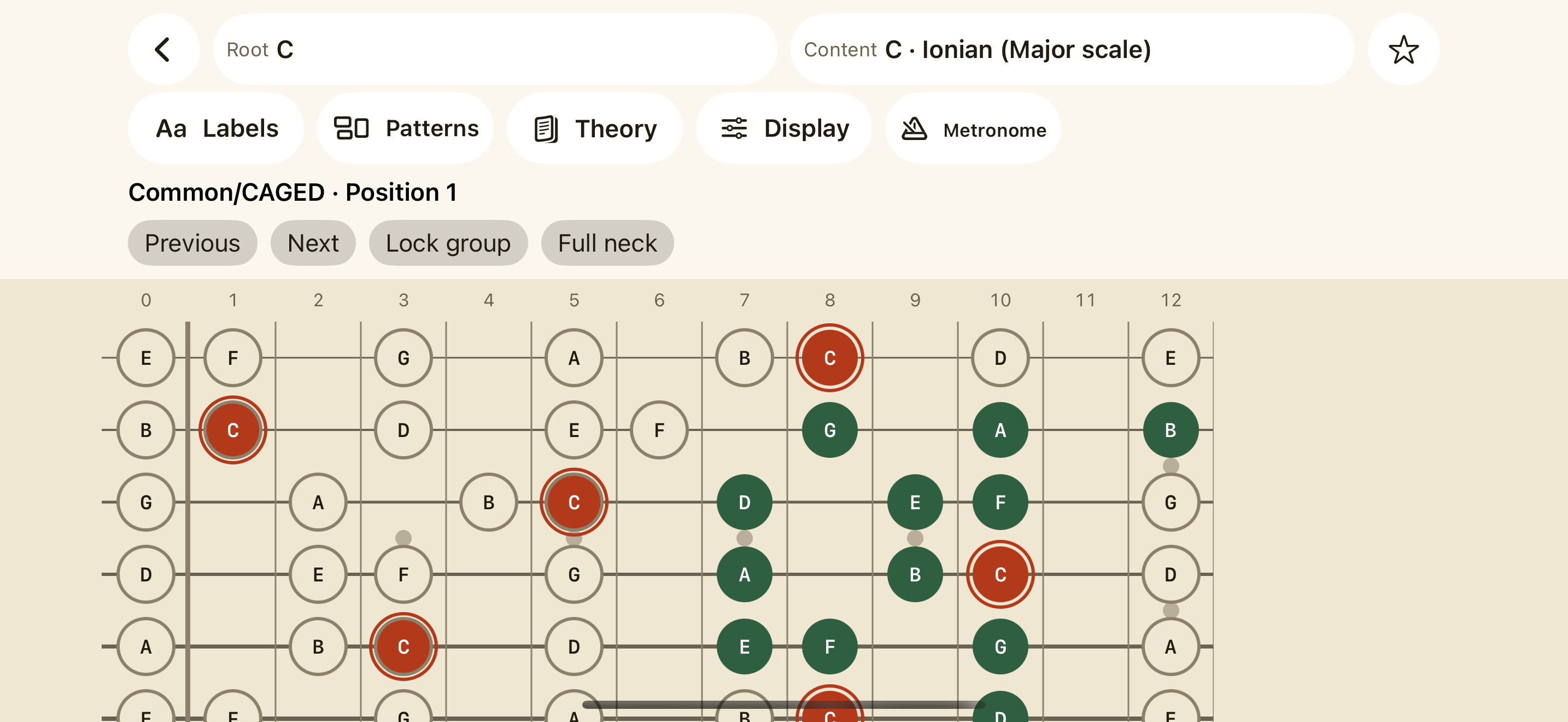
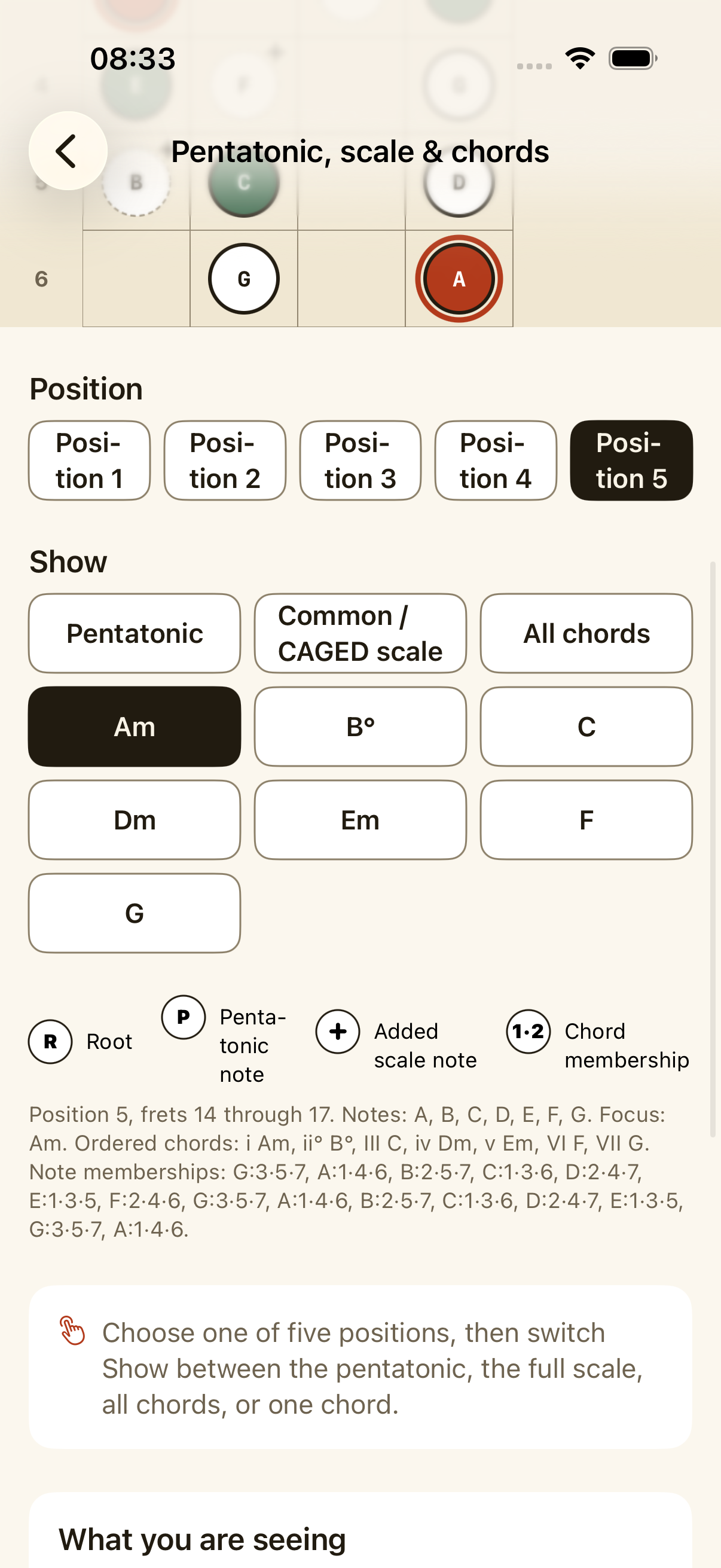
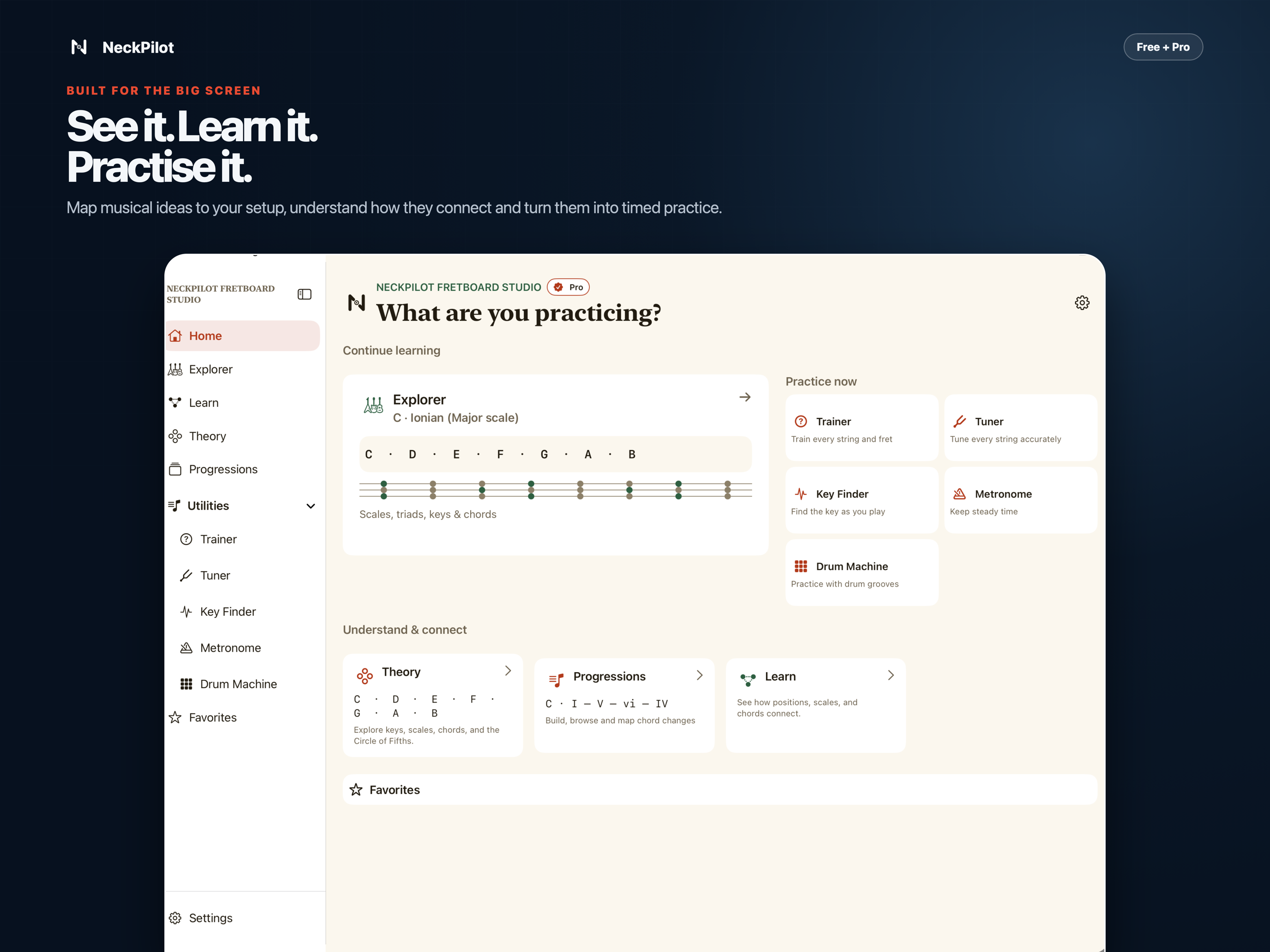
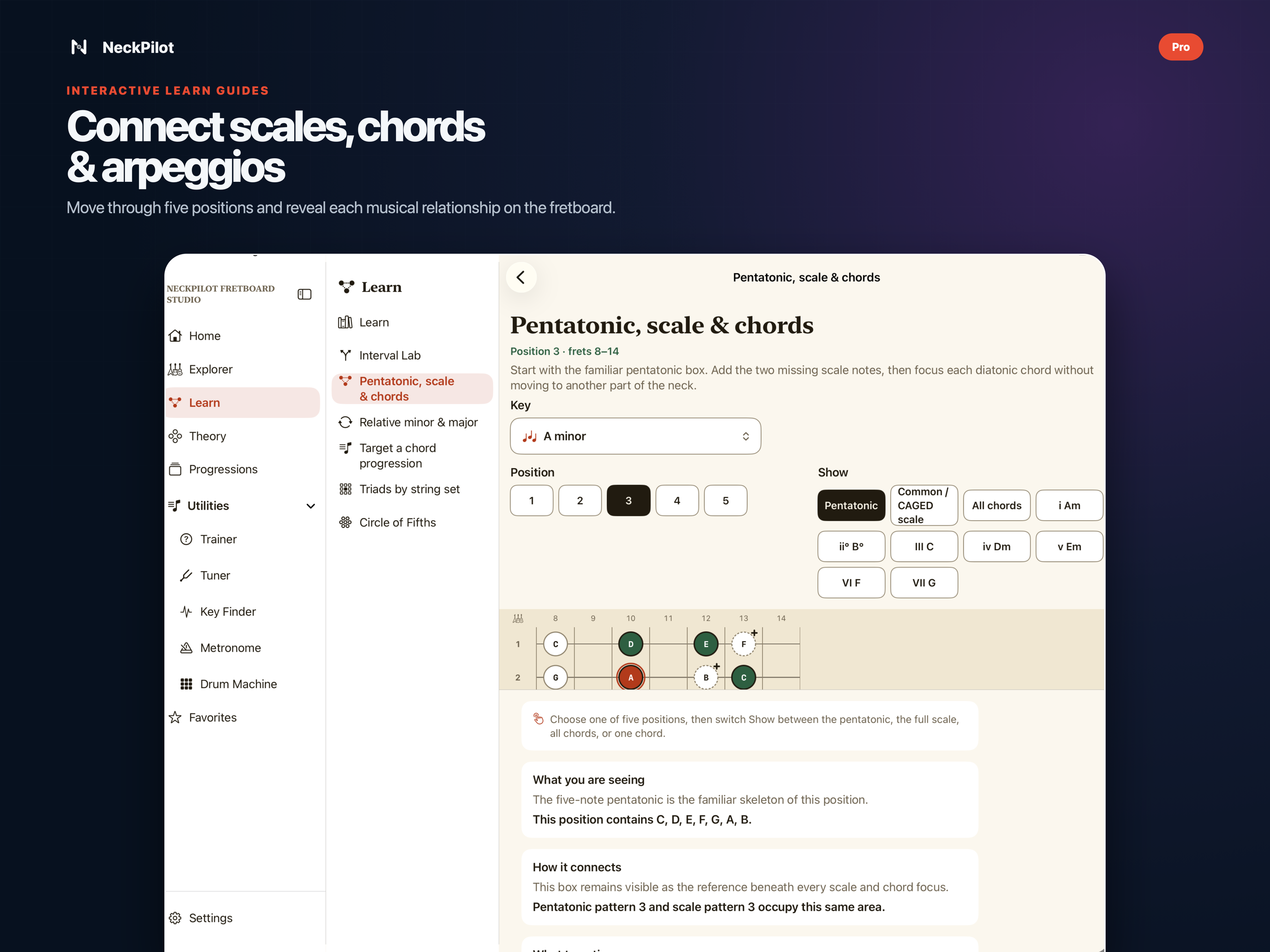
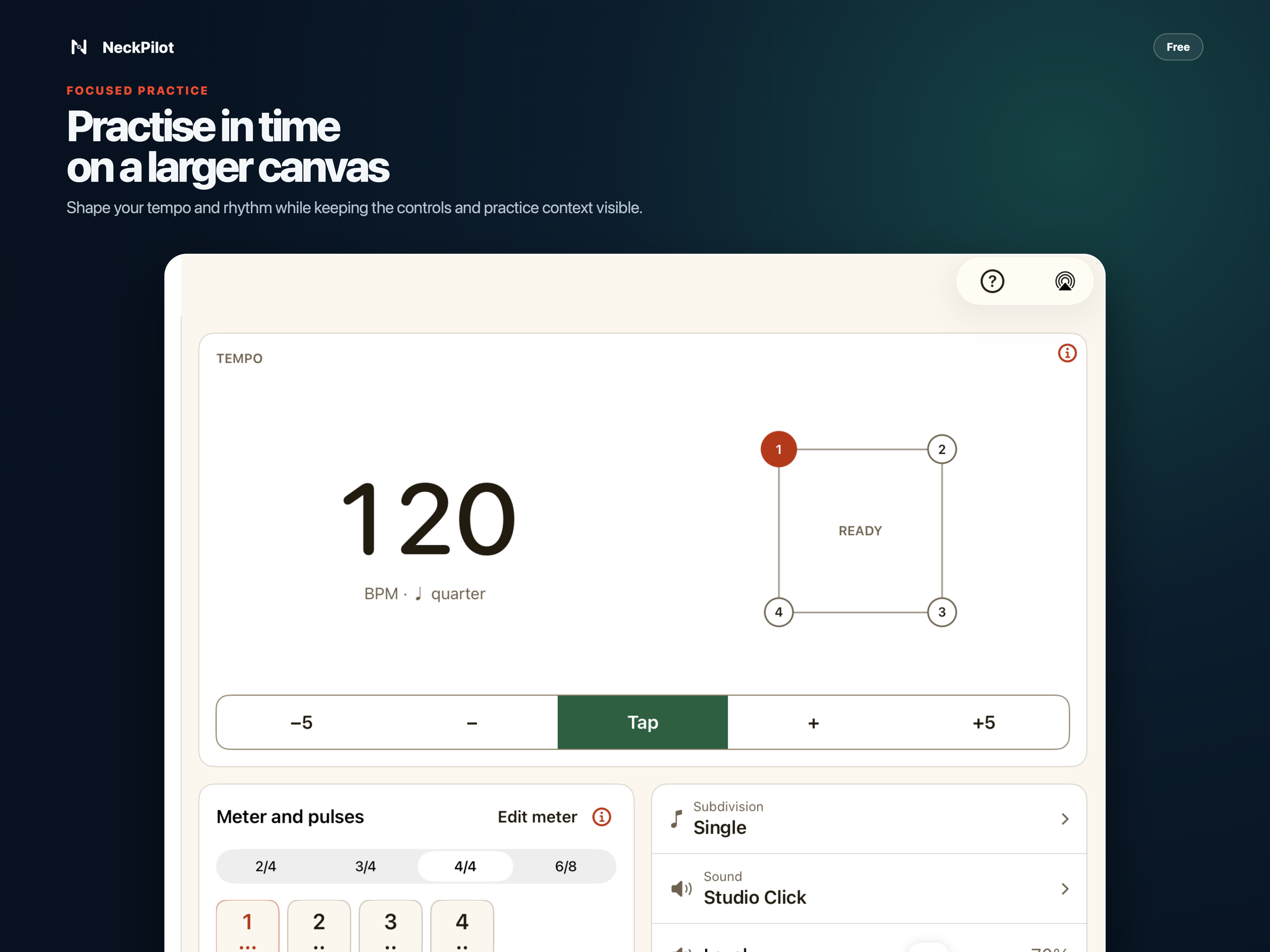
Home keeps several practice areas within reach. Explorer has room for the fretboard, Layers, and controls. Learn and Theory keep their navigation beside the lesson, so you can move around without losing your place.
Favorites, custom content, preferences, and practice data do not sync between iPhone and iPad. Family Sharing is not included.
Choose
Start with a scale, chord, arpeggio, or position.
See
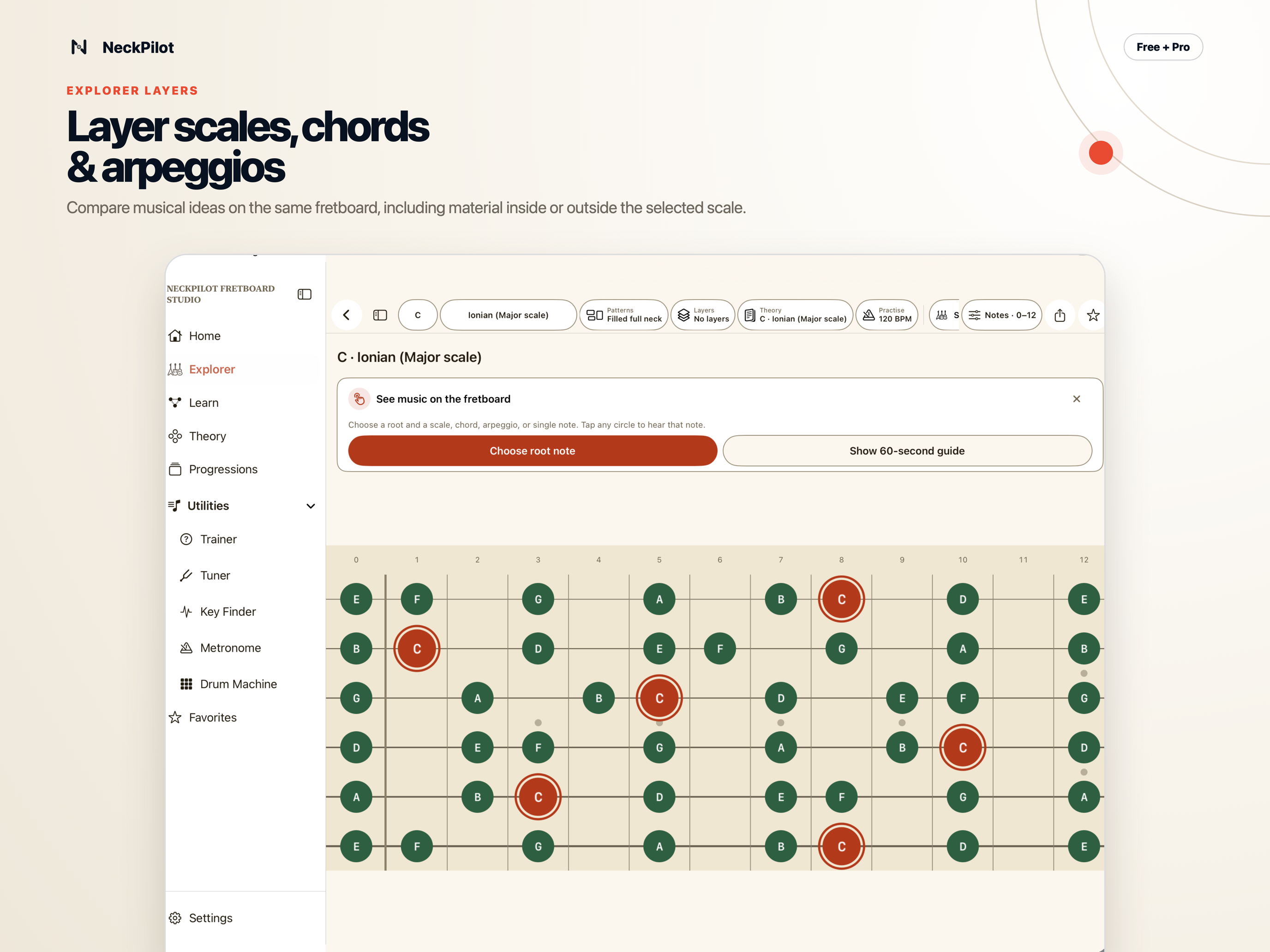
Bring the material together in Layers on one fretboard.
Learn
Use games to recall notes, intervals, scales, and positions.
Practise
Follow changing Layers with the beat or raise the tempo gradually.
New in 3.0.2
This release connects more of the trip from seeing an idea to practising it.
Share Explorer
Share Explorer in five formats, add your own title, and include an optional takeaway for the person receiving it.
Intervals
Use Interval Lab, compare scales or chords, tap a note in Explorer, and practise finding intervals in Trainer.
Rhythm
The expanded Drum Machine gives you a full rhythm library, instrument mixing, fills, dropouts, and presets.
Drum Machine · Free
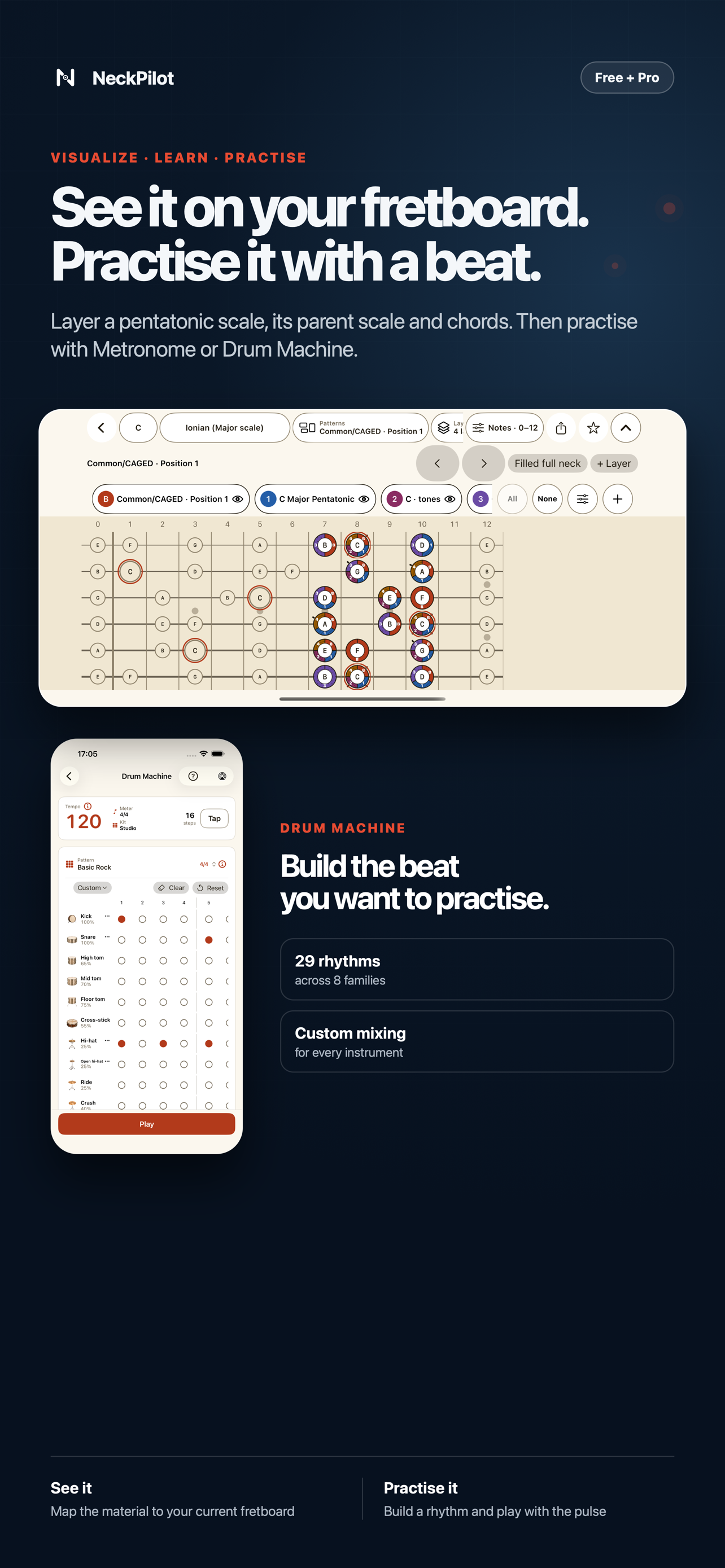
I built the Drum Machine for practice sessions where a plain click is not enough. Choose one of 29 reviewed rhythms across eight families. Search by name, meter, kit, or family. Start with Studio, Brazilian, or Arabic Ensemble sounds, then set the variation and level for each instrument.
Add automatic fills, count in before the first bar, practise through short dropouts, and save your own preset. The free Strumming Guide works in both Drum Machine and Metronome. It can show down strokes, up strokes, muted strokes, and rests while you play.
My walkthrough
I start with C Ionian, add a pentatonic scale and chord Layers, and leave the fretboard on screen while the musical focus changes. Then I save the workspace and practise those Layers with the beat.
Read the Explorer and Layers guide →This is my voice and real footage from NeckPilot. Playback starts only when you press play.
More videos · my app, my voice
NeckPilot is a personal project, so I recorded and narrated these videos myself. I explain what I am working on, where I tap, and why each view helps me.
Paweł Gawliczek, creator of NeckPilot
I move through the Learn lessons and show how positions, relative roots, chords, triads, and progression targets fit together.
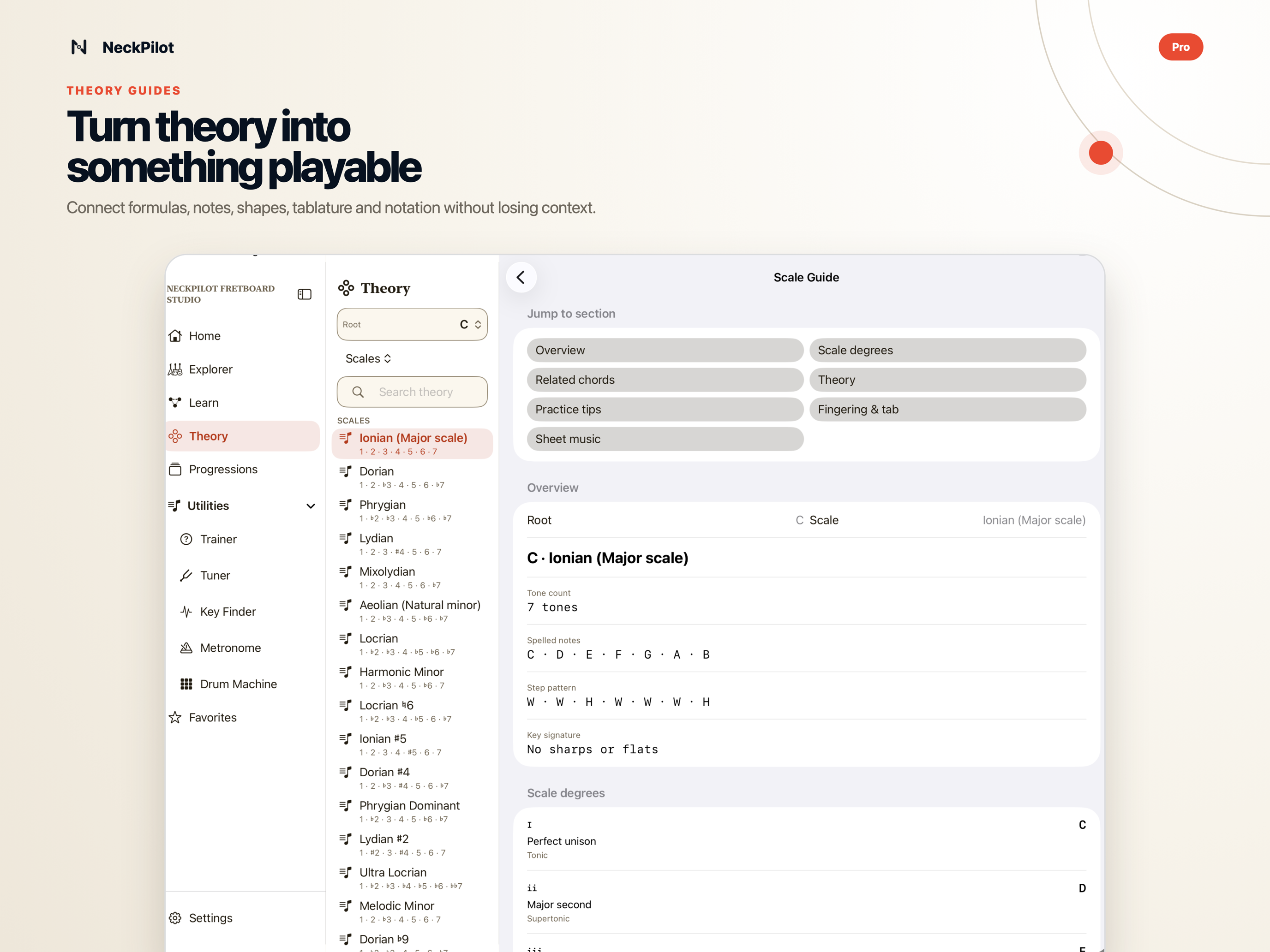
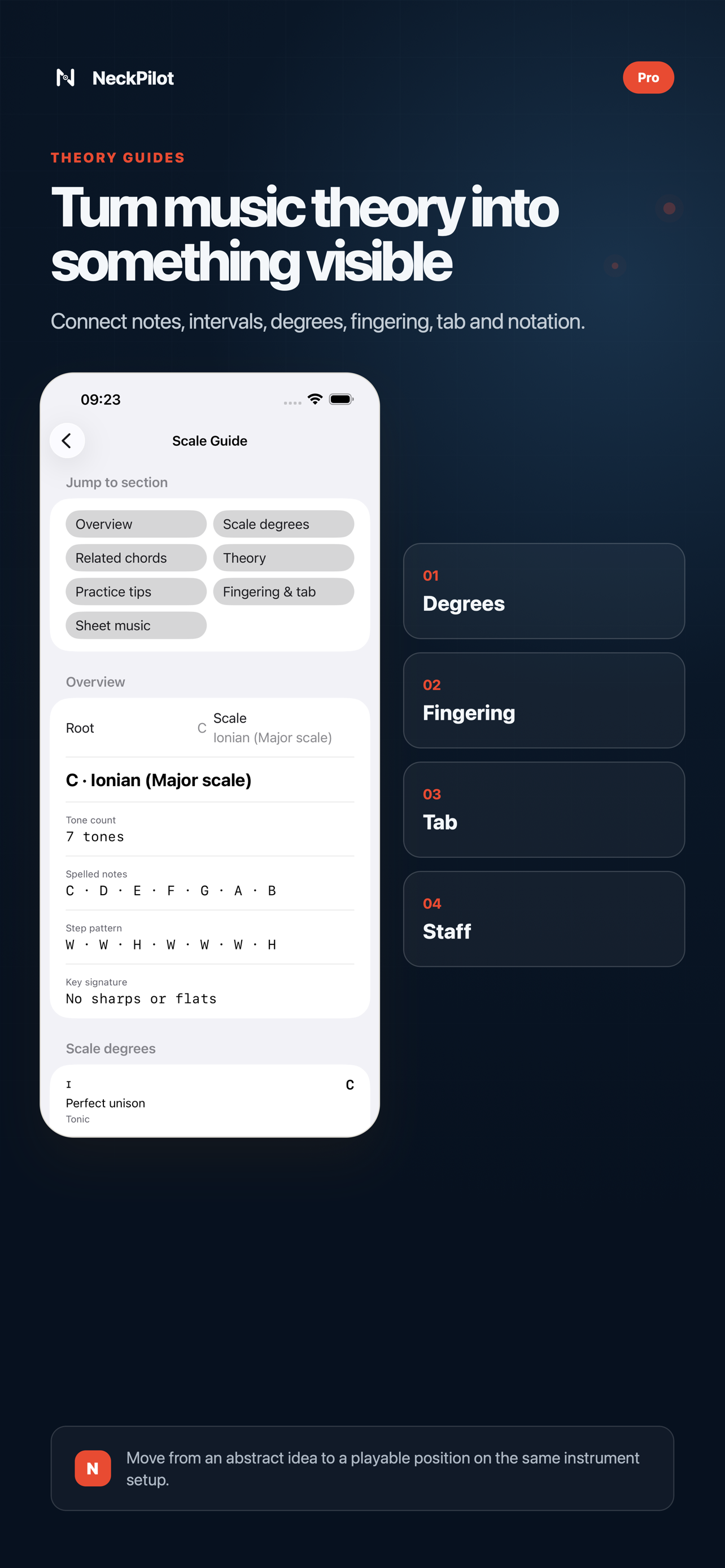
See the steps and screenshots →I open Theory, find musical material, and show where its explanations, harmonization, and applied Guides lead.
See the steps and screenshots →I practise A minor and G major while switching between the Metronome and Drum Machine.
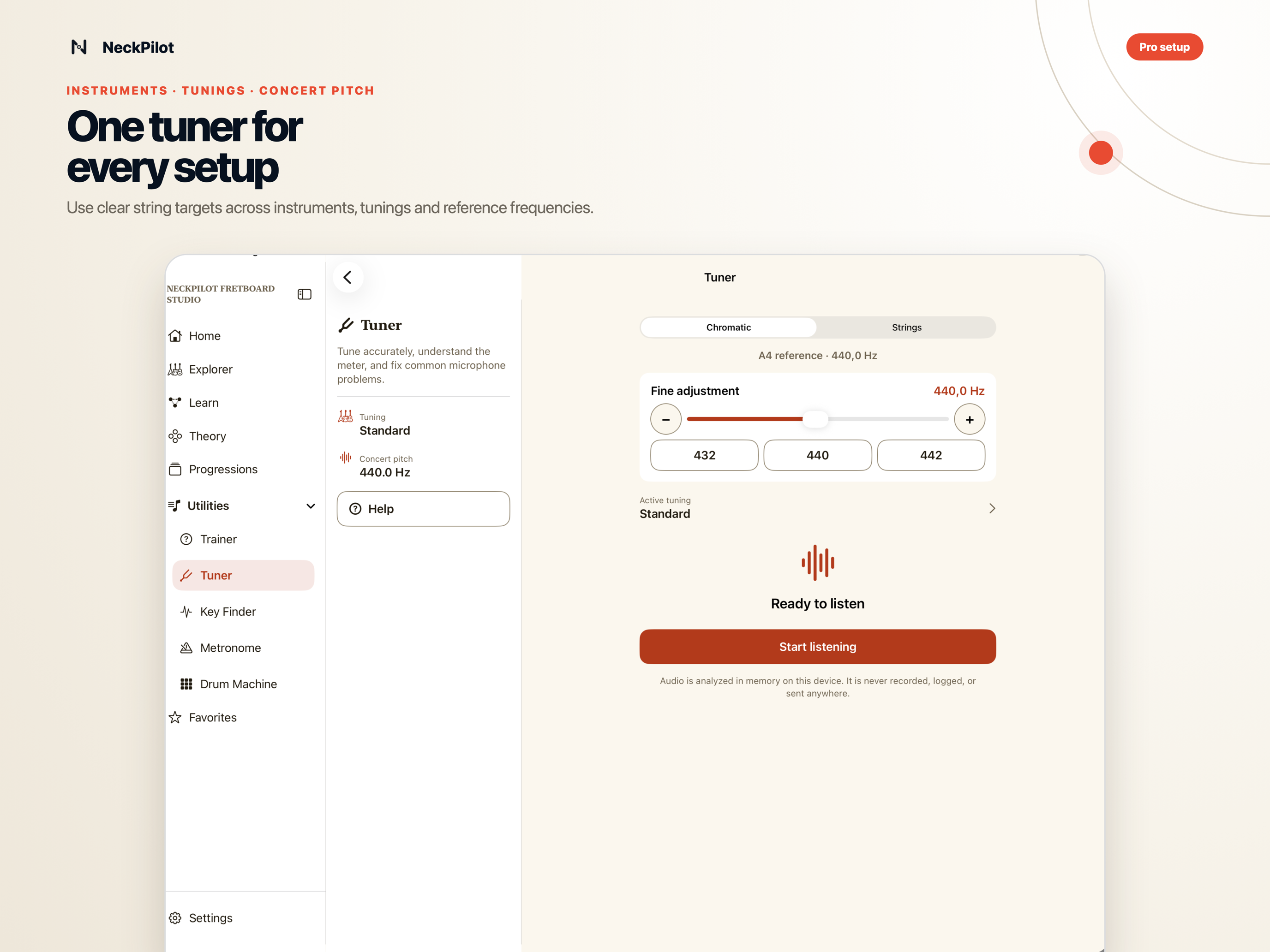
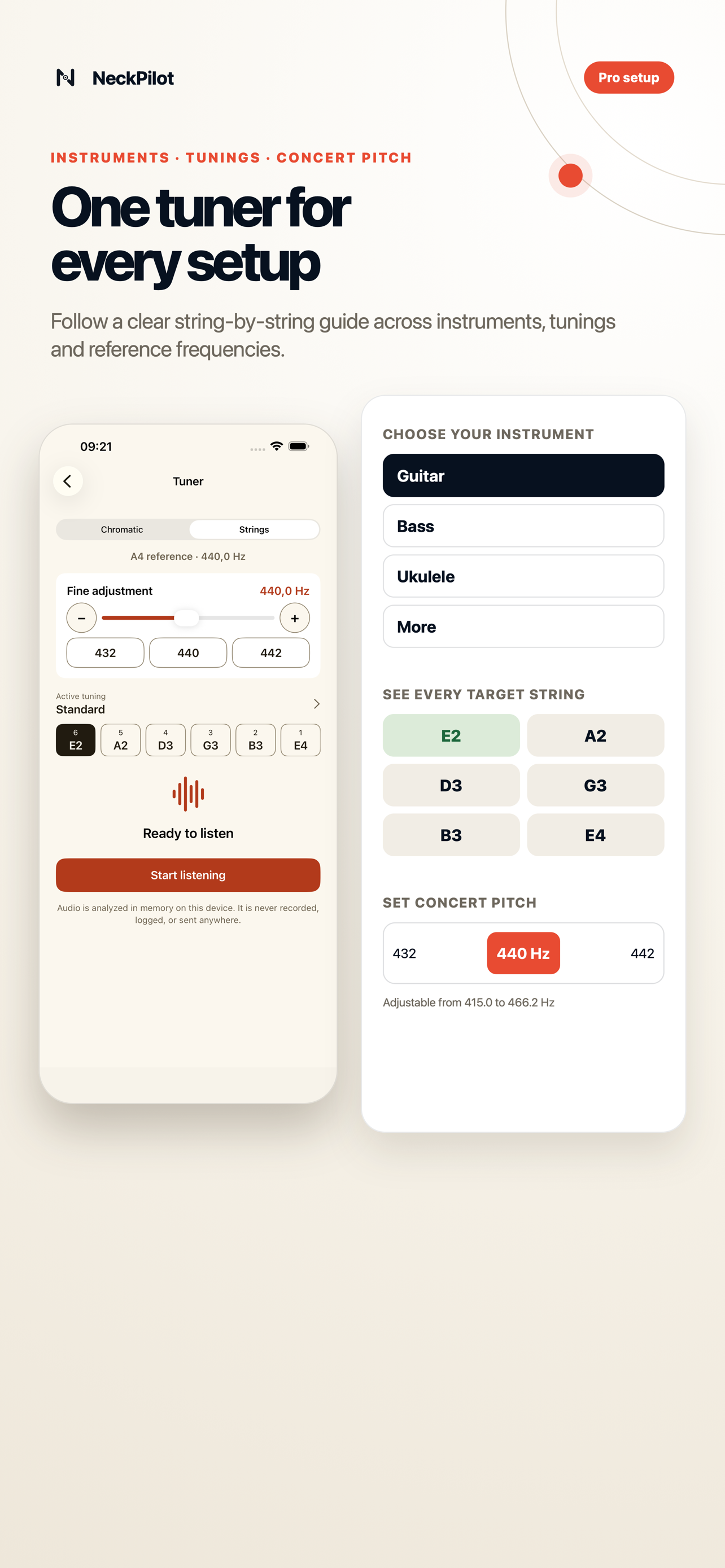
See the steps and screenshots →I change the instrument tuning, then adjust the base frequency and show the result in the Tuner.
See the steps and screenshots →I play into Key Finder, look at its candidates, and open one in Explorer to check whether it makes musical sense.
See the steps and screenshots →Playback starts only when you press play.
Free for as long as you want
Free has no time limit. Learn the neck, test your recall, check basic harmony, tune your instrument, and practise with a beat. Those tools keep working.
Put notes, scales, modes, triads, and arpeggios on the fretboard. Search by name or start with a handful of notes. When the full neck feels like too much, narrow it to a Common/CAGED, 3NPS, or pentatonic position.
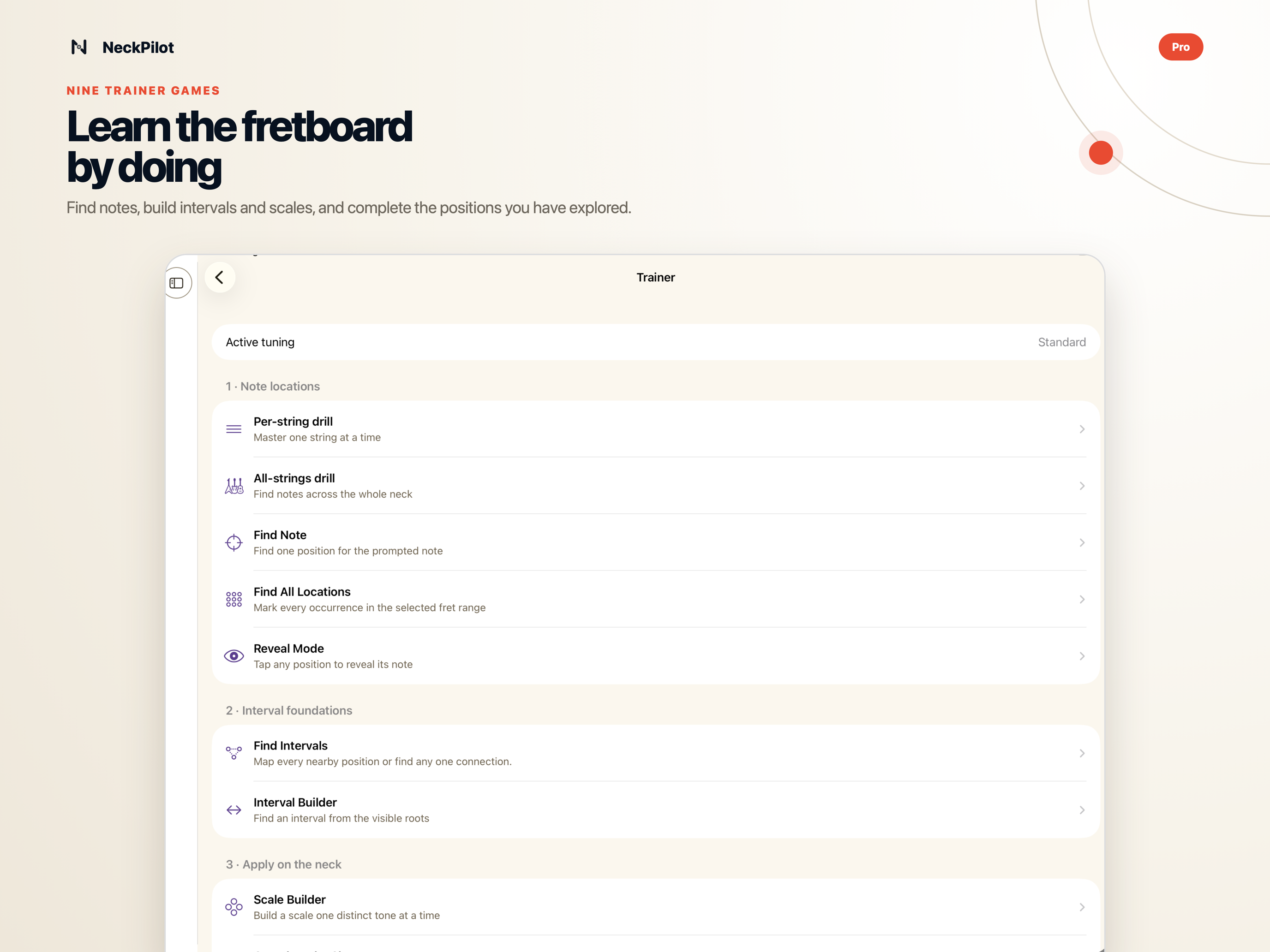
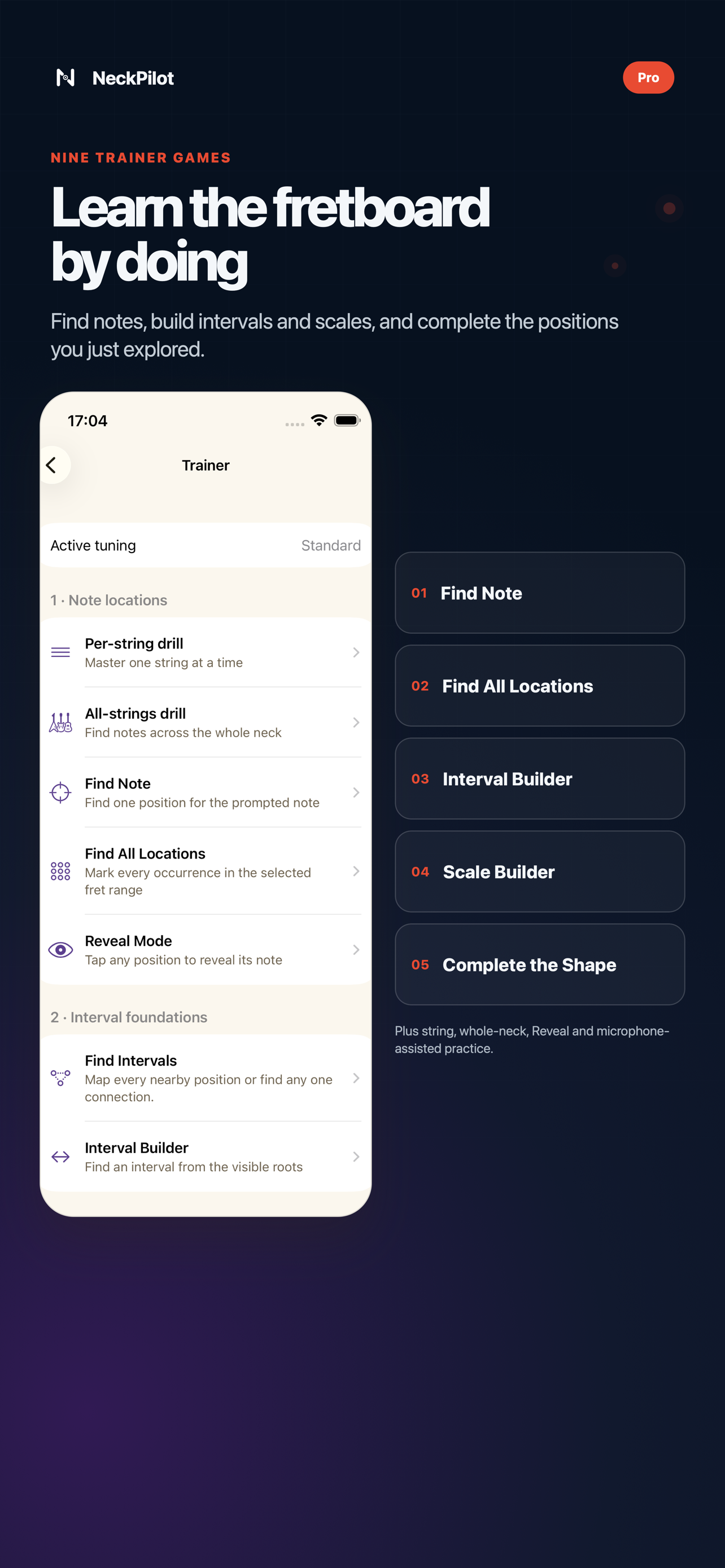
Trainer games help you find notes, hear and build intervals, complete scales, and remember full positions. In Play Mode you can answer with your instrument.
Check the seven chords in a compatible key and listen to their notes. Try an included progression, then save the setup to Favorites when you want to practise it again.
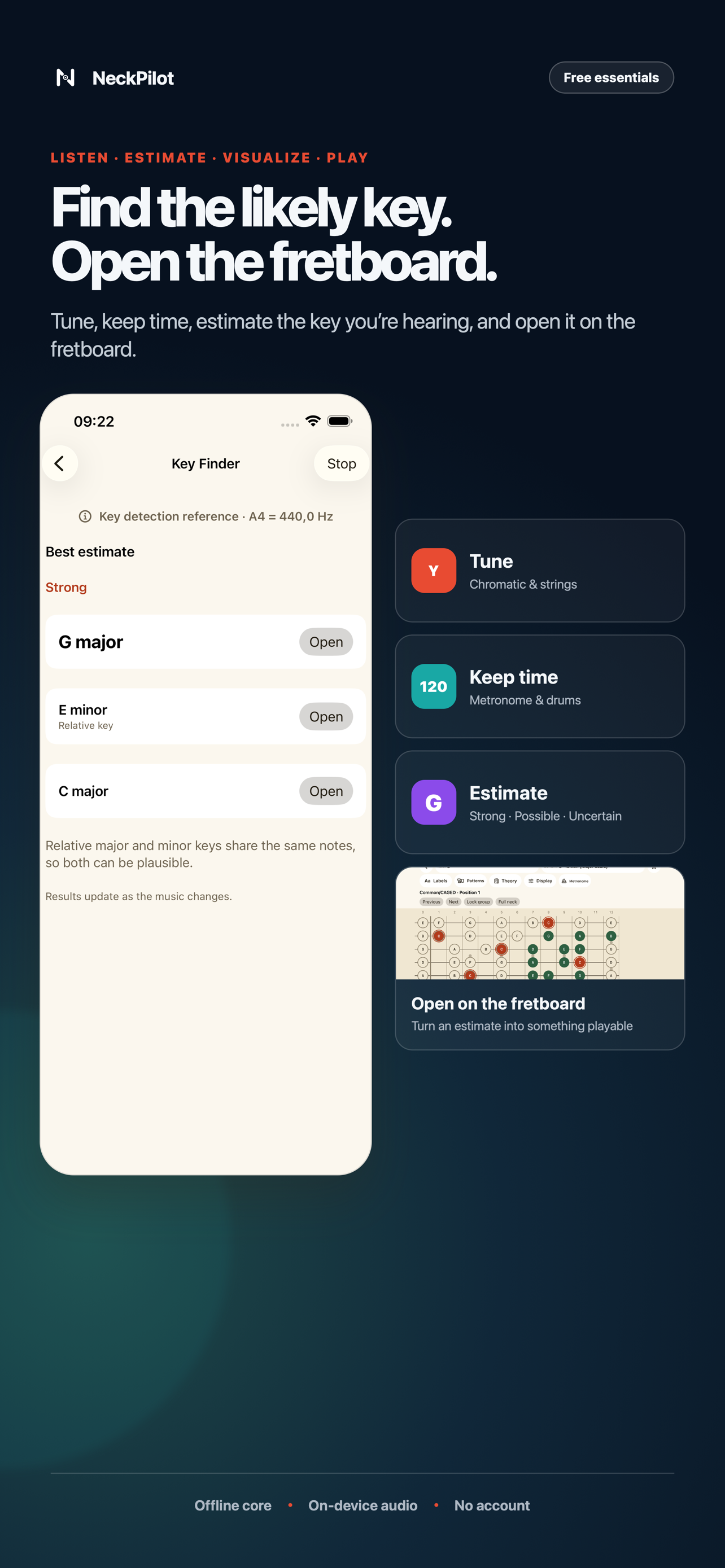
Estimate a song's key, open it on the fretboard, and look for a shape you know. Metronome and Drum Machine practice stays free. Pro adds Tempo Trainer and visual sequence practice.
Free includes notes across the neck, scales and modes, triads, essential arpeggios, Common/CAGED and 3NPS positions, pentatonic boxes, occurrence focus, and custom scale patterns. You also get search, reverse lookup, harmonization, included progressions, Favorites, Trainer games, Reveal Mode, Play Mode with microphone input, Tuner, Key Finder, Metronome, Drum Machine, and the Strumming Guide. The core works offline. NeckPilot supports English, Polish, accessibility options, left handed presentation, and local storage.
NeckPilot Pro · One purchase
Buy NeckPilot Pro once and keep it. There is no subscription. You can restore Pro on supported devices that use the same Apple Account.
Pro · Understand the neck
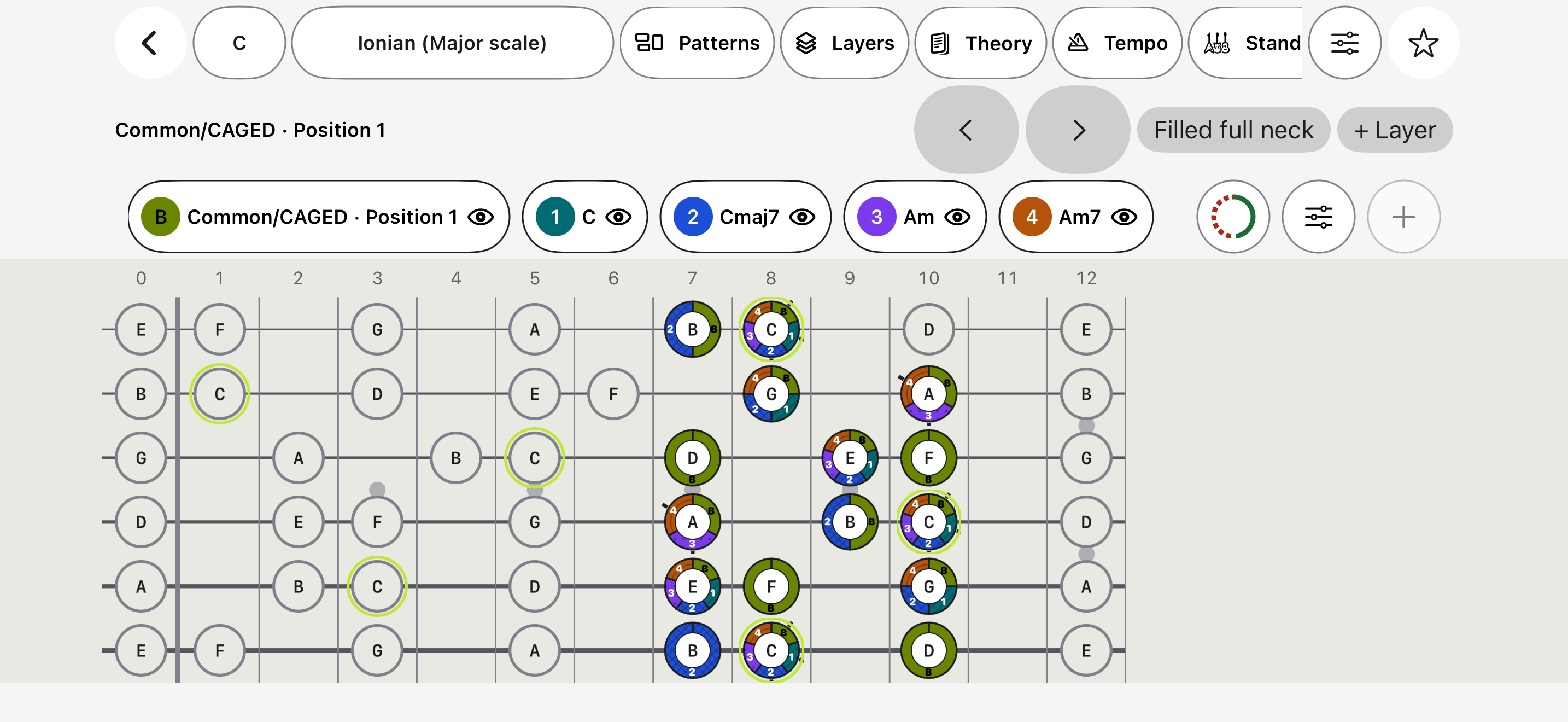
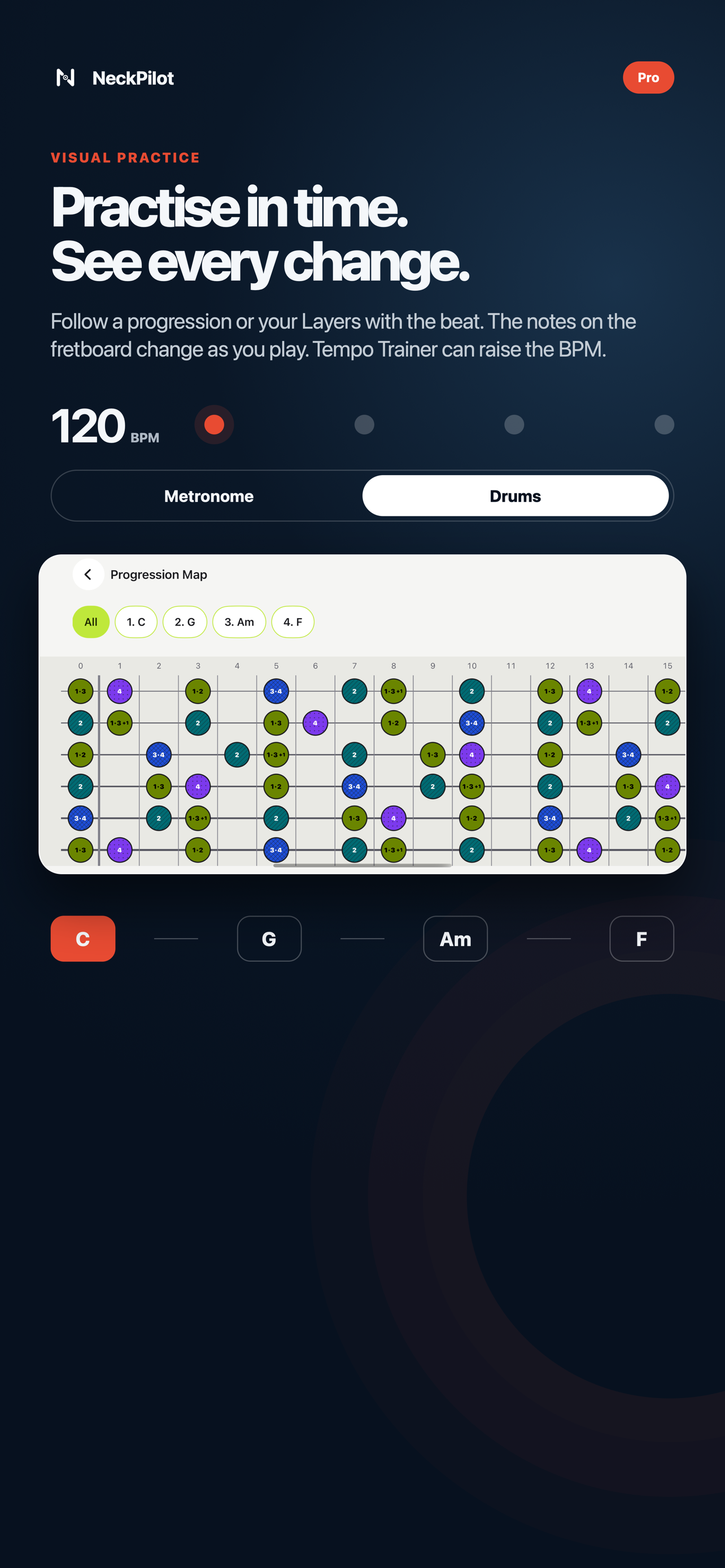
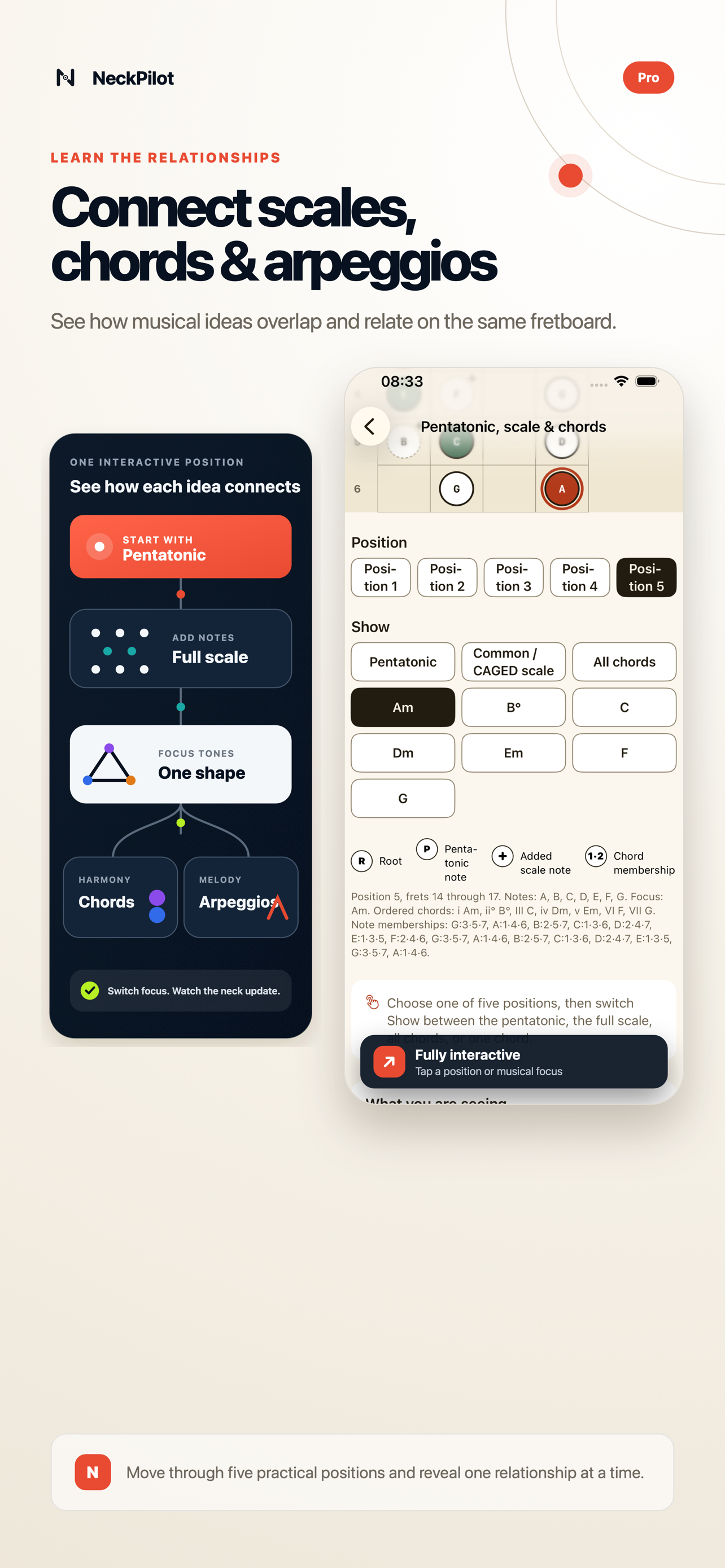
Put scales, chords, arpeggios, and patterns on one fretboard, even when they sit outside the same key. Save the workspace, load its Layers into Metronome or Drum Machine, and practise each visual change with the beat.
Pro · Build and practise music
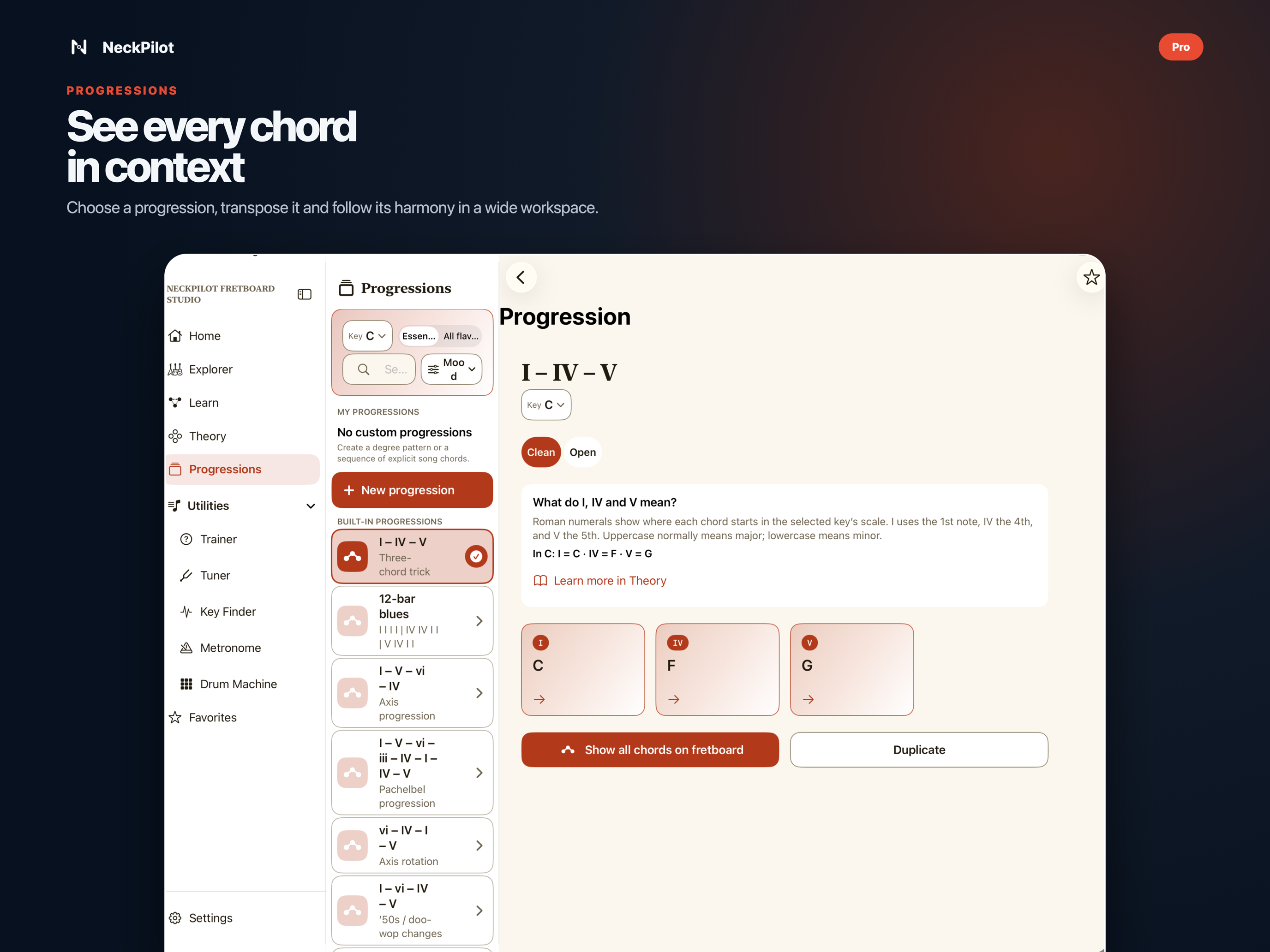
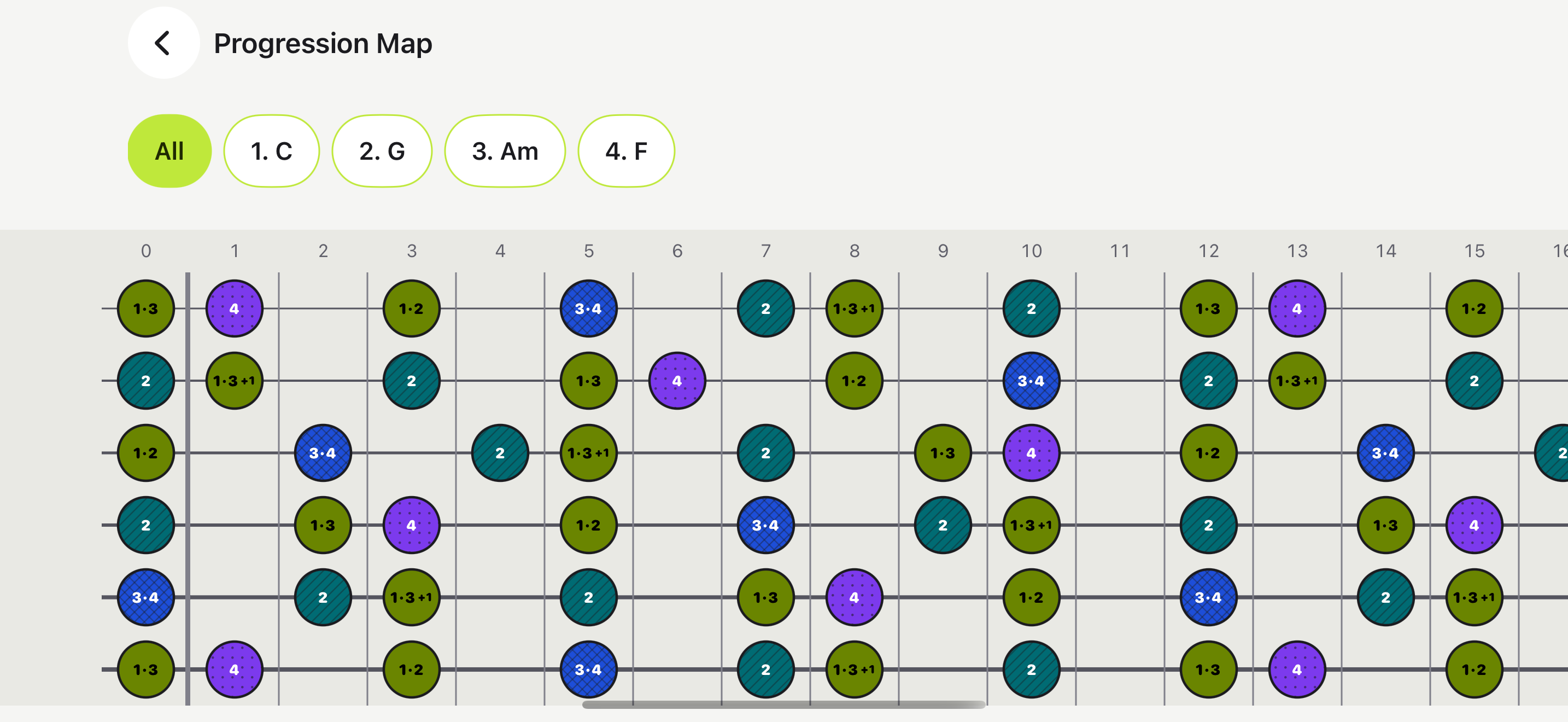
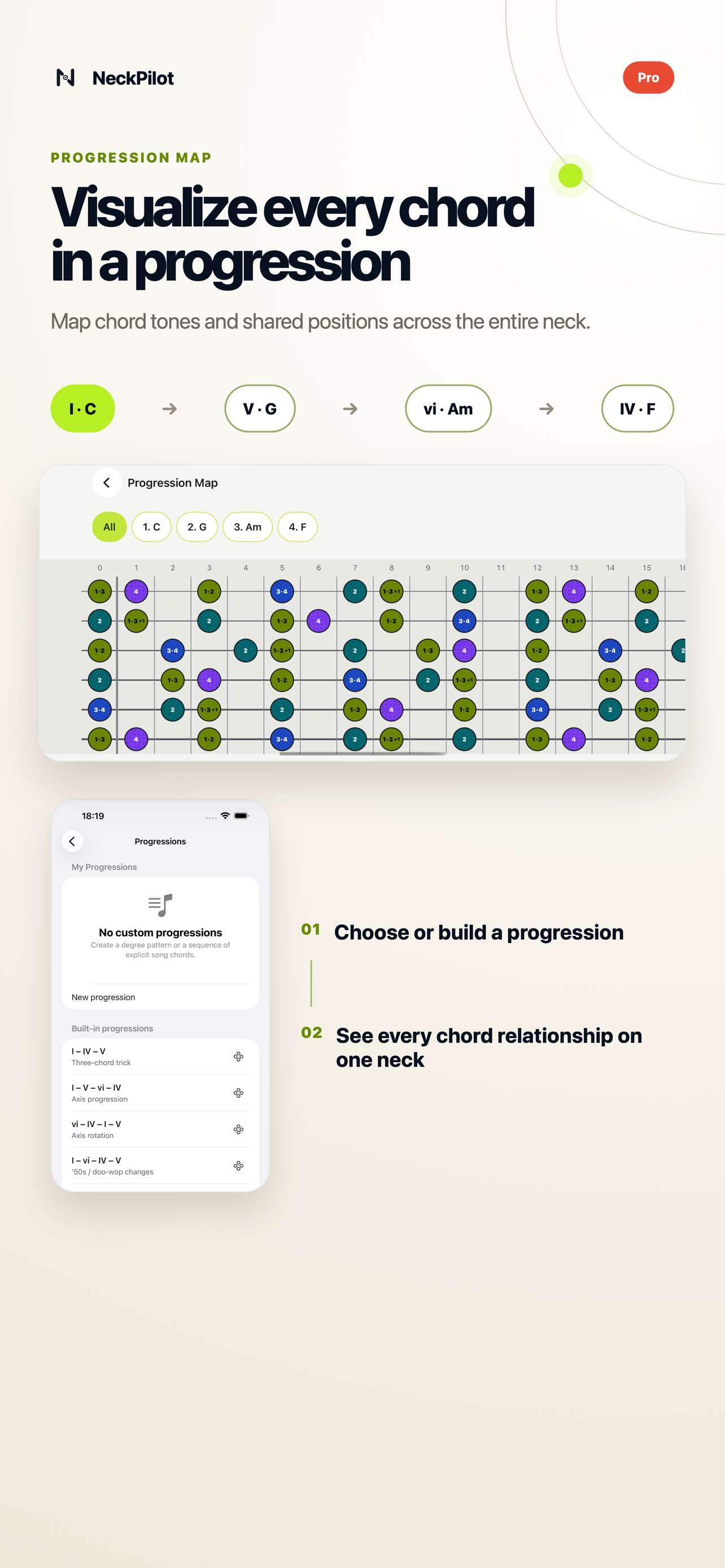
Write a progression with degrees or chord names. Put all of its chords on one neck, then let the Metronome or Drum Machine move the visible focus as you play.
Pro · Fit your instrument
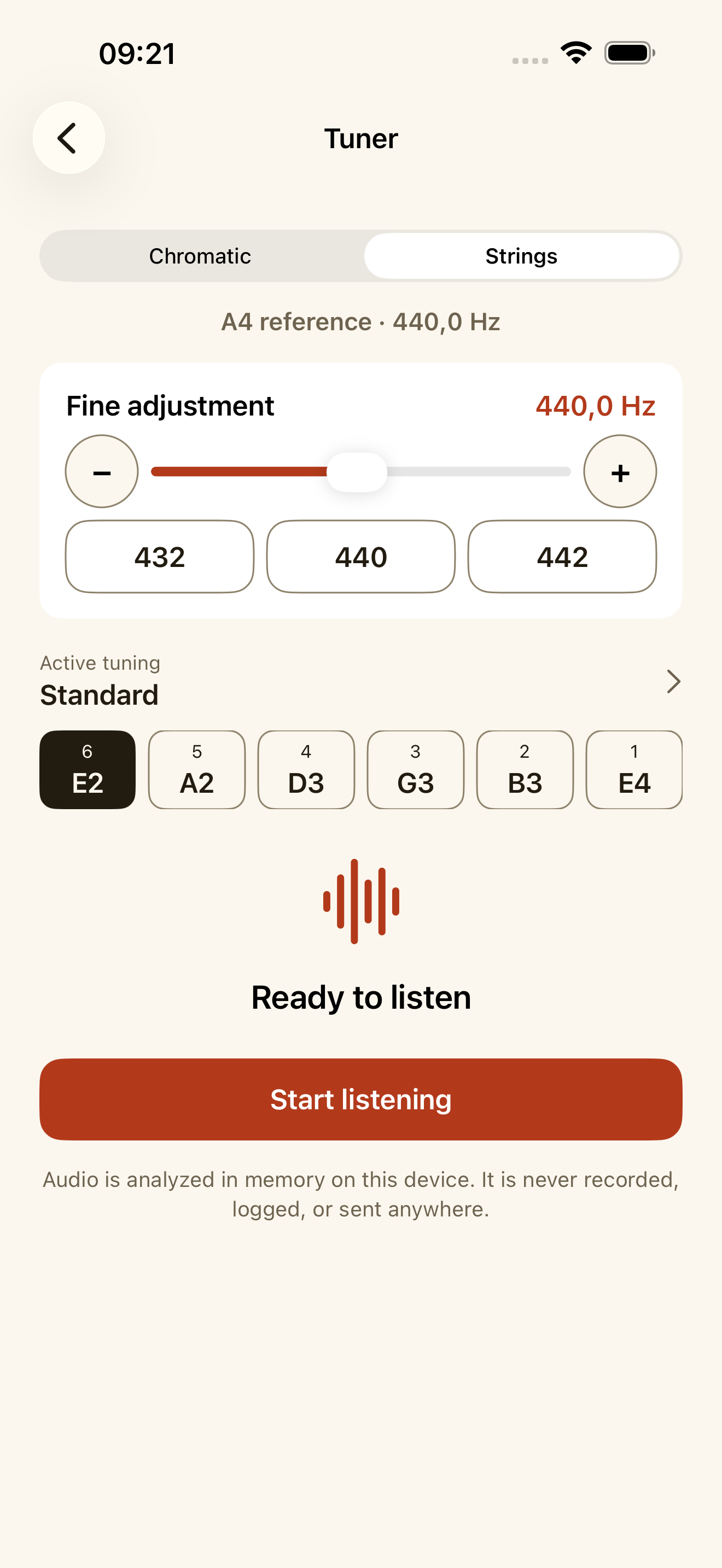
Search 72 included tunings for guitar, bass, ukulele, banjo, and instruments with more strings. A custom guitar tuning with 4 to 8 strings remaps the neck and creates five scale or arpeggio positions. You can set concert pitch anywhere from 415.0 to 466.2 Hz.
Free and Pro
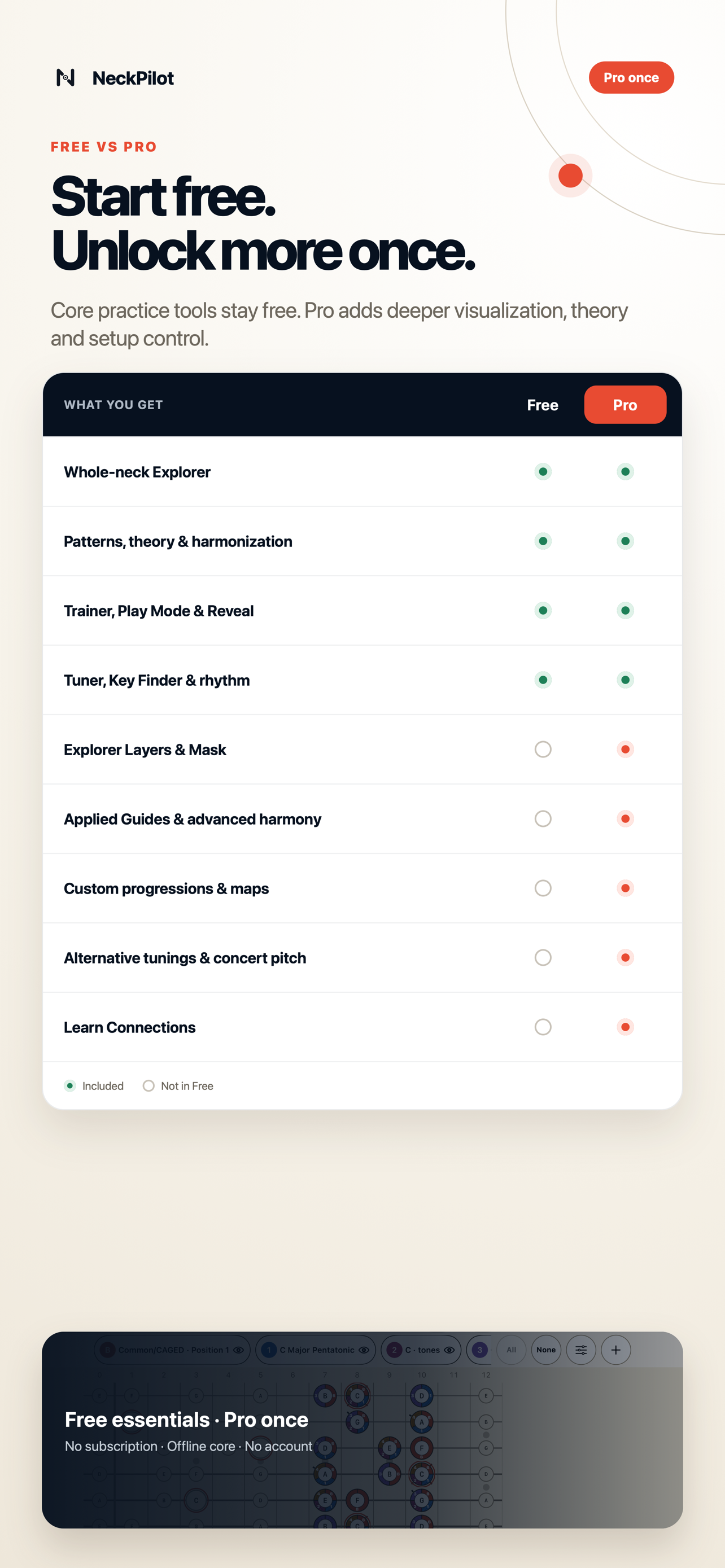
Everything in Free stays available. Pro adds deeper harmony, more ways to combine ideas, custom progressions, more instrument setups, and adjustable concert pitch.
| Feature | Free | Pro |
|---|---|---|
| Notes across the neck, scales, modes, triads, and essential arpeggios | Included | Included |
| Common/CAGED, 3NPS, pentatonic positions, search, and custom scale patterns | Included | Included |
| Trainer games, Reveal Mode, and Play Mode with microphone input | Included | Included |
| Tuner, Key Finder, Metronome, and Drum Machine | Included | Included |
| Curated progressions, harmonization, Favorites, and reverse lookup | Included | Included |
| 37 chord qualities, advanced arpeggios, and expanded harmony | Not included | Included |
| Explorer Layers, geometric Mask, and timed layer practice | Not included | Included |
| Tempo Trainer and visual sequence practice | Not included | Included |
| Applied Theory Guides with fingering, tab, staff, and accessible events | Concepts | Full guides |
| Custom progression writing, a map of every chord, and visual following | Curated library | Included |
| Interactive Learn connections and triads by string set | Not included | Included |
| Multiple instruments, 72 included tunings, and custom guitar tunings | Standard guitar | Included |
| Concert pitch calibration with 432 / 440 / 442 presets | 440 Hz | 415 to 466.2 Hz |
| Offline core, privacy, accessibility, English and Polish | Included | Included |
Try Free first. If you want the complete toolkit, Pro is one purchase with no subscription.
Inside NeckPilot 3.0.2
These are the approved App Store screenshots for version 3.0.2. You can switch their language below.
Android interest list
We’re evaluating an Android version of NeckPilot. Join the interest list to hear from us if testing begins or the app launches on Google Play.
This list helps me understand the level of interest. It is not a release announcement.
A fretboard example
You can combine other scales, chords, arpeggios, and positions in the same way. Save the Layers, then practise them with the rhythm you choose. The guide also covers games, Key Finder, theory, tunings, progressions, and recovery.
Privacy
The main learning and practice tools work offline. When you use the microphone, NeckPilot analyses the sound live on your device. It does not record, save, or upload the audio. There is no NeckPilot account, advertising, or tracking.
On supported systems, NeckPilot may ask Apple for a reviewed update to the instrument catalog. A copy of that catalog is always available offline.
VoiceOver, Dynamic Type, alternatives to colour, and a left handed view are supported.
NeckPilot supports portrait and landscape layouts in English and Polish.
NeckPilot
Continue in NeckPilot to load this musical setup.
The Favorite stays in the part of the link after #, which browsers do not send to this website.